

Robotic process automation (RPA) services for repetitive work in legacy systems
At AcmaSoft, we build software bots that log in, click, copy and type through the screens of systems that have no API, using tools such as UiPath and Microsoft Power Automate, and we tell you when an API integration would be the sturdier choice.
- Years of experience
- 17+
- Clients served
- 650+
- Projects delivered
- 2,000+
- Products shipped
- 300+
When RPA is the right tool
Some of the most repetitive work in a business happens in systems nobody can easily change: an old desktop ERP, a government portal, a supplier website, a green-screen terminal. With no API to connect to, staff move data in and out by hand, screen by screen.
Robotic process automation takes over that screen work. A bot opens the application, reads fields, enters data, downloads reports and moves files, following the same steps a person would, at any hour and with a log of every action.
Because bots depend on screen layouts, they break when those screens change. We use RPA where there is no better route, and connect systems directly where an API exists, which is the subject of our workflow automation service. When the input is a pile of PDFs or scans, we pair bots with document automation to read them first.
What you get with robotic process automation (RPA)
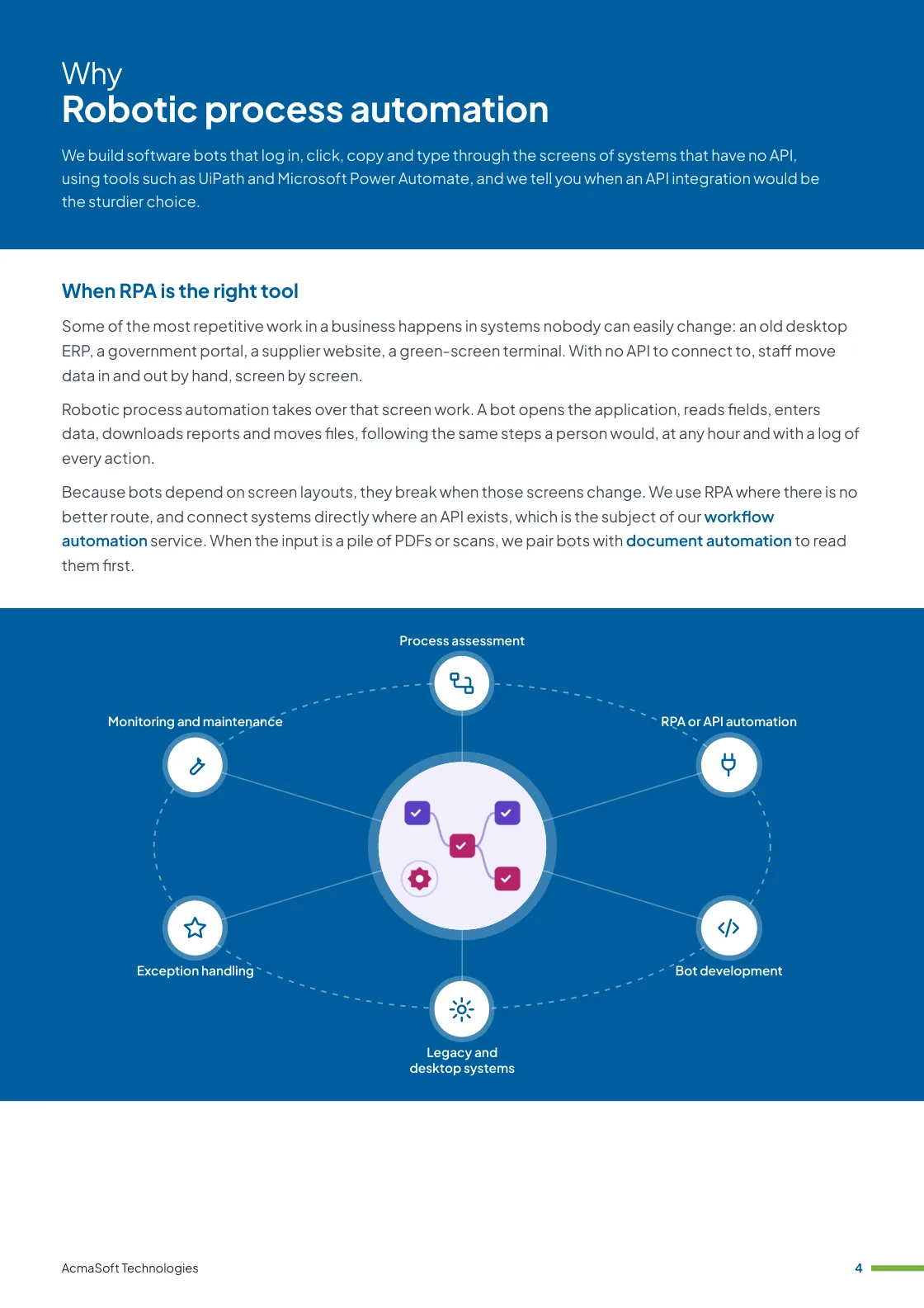
- Process assessment
- RPA or API automation
- Bot development
- Legacy and desktop systems
- Exception handling
- One named lead from first call to launch
- Support and improvements after launch
More in AI and automation
Our RPA services
Six parts of an RPA programme, from picking the right processes to keeping bots running.
-
Process assessment
Finding work bots can do
We look for tasks that are frequent, rule-based and stable, with structured inputs and few exceptions, and estimate the hours each takes today.
We also flag processes that should be fixed or simplified before anyone automates them.
-
RPA or API automation
Choosing the sturdier route
For each process we check whether the systems involved offer an API, a database export or a ready-made connector, which runs faster and breaks less often than screen automation.
Bots are kept for the steps where there is no other way in.
-
Bot development
Attended and unattended bots
We build unattended bots that run on a server to a schedule or trigger, and attended bots that a person starts from their desktop to take over part of a task.
Tools include UiPath, Microsoft Power Automate with its desktop flows, and open-source frameworks such as Robot Framework where licence cost matters.
-
Legacy and desktop systems
Automating what has no API
Bots work with Windows desktop applications, Citrix and remote desktop sessions, terminal emulators, web portals, Excel and SAP GUI, using stable selectors where possible and image matching only as a last resort.
Login details are kept in a credential vault, never in the bot’s script.
-
Exception handling
When the bot cannot continue
Every bot checks its own results, retries temporary failures and sends cases it cannot complete to a person, with screenshots and the data gathered so far.
Nothing is silently skipped, so your team always knows which items were processed.
-
Monitoring and maintenance
Keeping bots running
Dashboards show runs, failures and volumes, and alerts reach a named owner when a bot stops.
When an application update changes a screen we repair the bot, and we review each automation from time to time to see whether an API has become available.
What to look for in an RPA partner
Recording a bot is fast; keeping it working through software updates is the harder part. Before you choose a provider, check for:
-
Independence from one vendor
Advice on which tool suits your systems and licence budget, rather than a fixed preference for one platform.
-
Honesty about fragility
A clear explanation of what makes bots break, and a recommendation for API integration wherever one is available.
-
Support after go-live
Monitoring, a named owner and a defined response when an application change stops a bot.
Ways to work with us
Choose the model that fits your scope and budget for robotic process automation (RPA). Many clients start with one and move to another as the work grows.
-
Fixed price
A defined scope delivered for an agreed price and timeline, in milestones you approve.
- Best for
- Clear requirements, a fixed budget and a firm deadline.
- How it is priced
- One agreed price, paid in instalments tied to milestones.
-
Dedicated team
A team with a project lead that works only on your product, on the priorities you set.
- Best for
- Long-term products and roadmaps that change often.
- How it is priced
- A monthly fee per team member, based on role and seniority.
-
Time and material
You pay for the hours worked and can change the scope as you learn, in short iterations.
- Best for
- Requirements that are hard to fix up front, and ongoing improvements.
- How it is priced
- Hourly or daily rates by role, invoiced monthly against logged time.
Need AI and LLM developers to join your own team instead?
Hire AI and LLM developersWhat our clients say
More client reviews-
The adaptive nature of AcmaSoft's agile development is commendable. Changes are seamlessly incorporated, ensuring our project stays on track and meets our evolving needs.
Mei Ling Singapore -
Collaborating with AcmaSoft using agile methods has been a pleasure. Their team's adaptability and communication ensure a smooth development journey.
Rahul S Bangalore
Industries our AI and automation team works in
Our AI and automation team builds for businesses in these industries, and we adapt robotic process automation (RPA) to each one's rules, systems and customers.

Working with international clients
Our team delivers remotely, so the questions that matter are when we can talk and how the work is run. Here are our office hours beside yours.
Our office hours Monday to Saturday, 9:30 am to 6:30 pm India time (IST)
Evening hours for North American clients, by arrangement: Monday to Friday, 6:30 pm to 9:30 pm India time
| Your region | Our hours in your time | Shared working hours |
|---|---|---|
| UKLondon | 4 am to 1 pm | 9 am to 1 pm |
| Central EuropeParis, Berlin | 5 am to 2 pm | 9 am to 2 pm |
| US EastNew York, Toronto | 11 pm to 8 am (next day) Evening hours to 11 am | 9 am to 11 am In our evening hours, by arrangement |
| US WestLos Angeles, Vancouver | 8 pm to 5 am (next day) Evening hours to 8 am | No overlap Early calls 7 am to 8 am, by arrangement |
| GulfDubai, Abu Dhabi | 8 am to 5 pm | 9 am to 5 pm |
| Singapore | 12 noon to 9 pm | 12 noon to 6 pm |
| Australia EastSydney, Melbourne | 3 pm to 12 midnight | 3 pm to 6 pm |
Our day ends before yours starts, so updates are waiting each morning and we agree call times with you.
Times follow daylight saving where your region uses it, against a working day of 9 am to 6 pm. Messages sent outside our hours are picked up when the team is back.
-
Remote delivery
Discovery, design, development and testing run remotely, with one named lead, a demo of working features at the end of each sprint and a staging site you can try.
-
How we stay in touch
Email, video calls and chat such as Slack, Microsoft Teams or WhatsApp, with the hours of overlap and meeting times agreed in the communication plan at the start.
-
Contracts and invoices
Proposals, contracts and invoices are in English and priced in US dollars, or in your own currency on request. A non-disclosure agreement can be signed before you share any details.
-
Privacy laws we design for
We design forms, consent and data handling with the law of your market in mind: GDPR and UK GDPR, CCPA and CPRA, PIPEDA, the UAE PDPL, the Australian Privacy Act, Singapore's PDPA and India's DPDP Act.
Questions about robotic process automation (RPA)
Something else on your mind? Ask us directly and a specialist will reply.
Ask a questionWhat is robotic process automation?
Software that operates other applications through their user interface the way a person would: opening screens, reading and typing data, clicking buttons and moving files. It suits repetitive, rule-based tasks in systems that cannot be connected through an API.
When should we use RPA instead of API automation?
Use an API or a direct integration whenever the systems offer one, because it is faster and far less likely to break. RPA fits when an application has no API, when access to one is too costly, or as a stopgap while a system is being replaced.
Which RPA tools do you work with?
We choose per project from tools such as UiPath, Microsoft Power Automate and open-source frameworks such as Robot Framework. If you already pay for Microsoft 365 or another platform, we check what your current licences include before recommending anything new.
What happens when an application screen changes?
A bot that relies on a changed screen can fail. Our bots stop safely, alert their owner and leave unfinished items for a person rather than entering data in the wrong place. Under a support agreement we update the bot, and we ask to hear about planned upgrades in advance.
Can bots handle tasks that need judgement?
Bots follow rules. For steps that involve reading free text or making a routine decision, we can add a language model or document extraction to the flow, with a person reviewing anything uncertain. Decisions with real consequences stay with your staff.
Related insights
All insights-
 16 Nov 2026
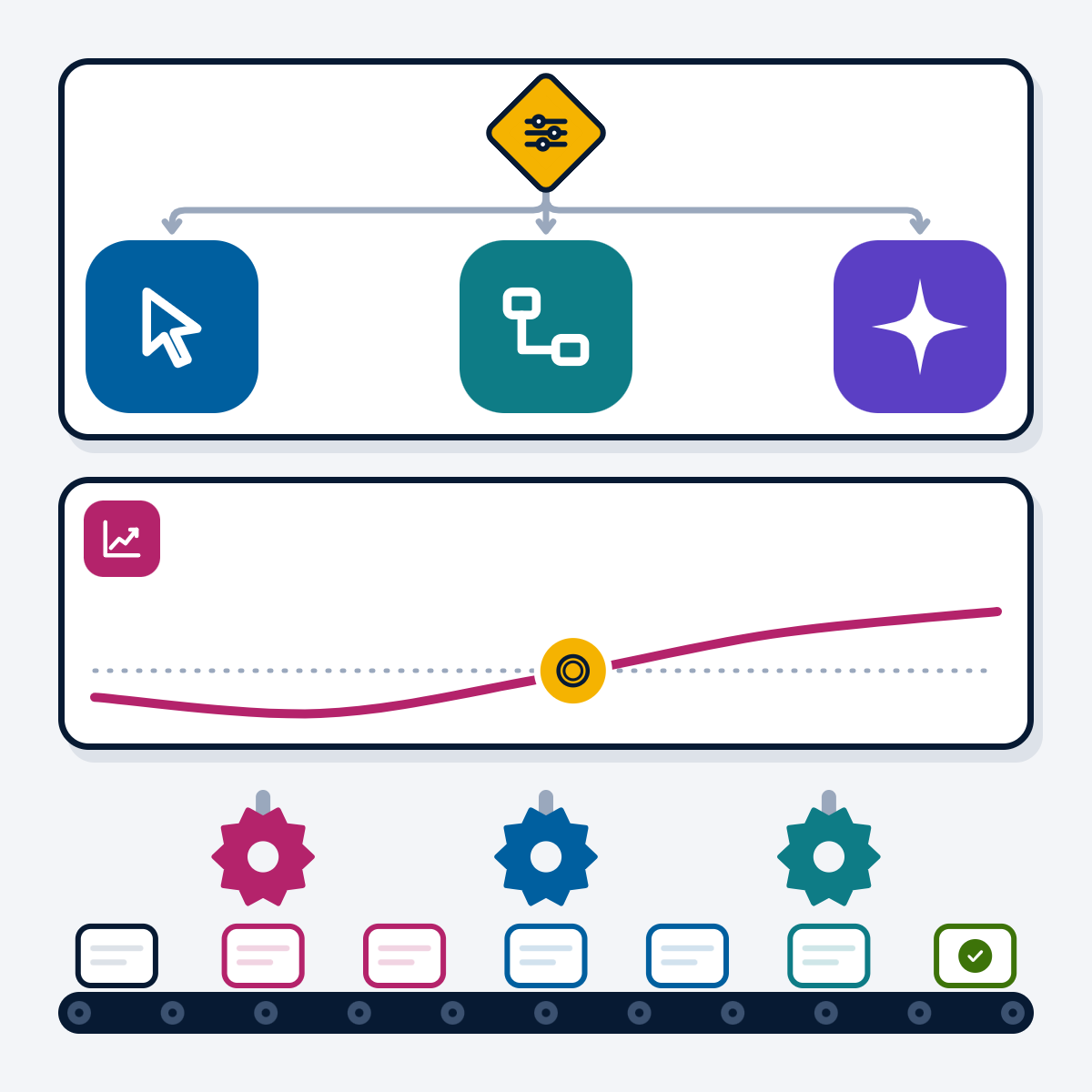
Business process automation: RPA, workflow tools and AI agents compared
Workflow tools, RPA and AI agents solve different automation problems. This guide compares the three, gives a decision flow for…
-
 7 Nov 2026
UiPath vs Power Automate: which RPA tool fits your business?
UiPath and Power Automate compared on capabilities, licensing, AI agents and governance, refreshed from both vendors' documentation in November 2026,…
-
 5 Nov 2026
How much does AI development cost in 2026?
What you pay for when you build an AI system, the factors that move the cost most, how common project…
Robotic process automation (RPA) brochure
We build software bots that log in, click, copy and type through the screens of systems that have no API, using tools such as UiPath and Microsoft Power Automate, and we tell you when an API integration would be the sturdier choice.
Inside this brochure
- When RPA is the right tool
- Our RPA services
- How an RPA project runs
- What to look for in an RPA partner
- 2.9 MB
- 10 pages
- AI and automation
You have downloaded from us before, so this one needs no form.
Get the brochure
Tell us who you are and the download starts straight away. We remember you on this device for 90 days, so you only fill this in once.
Your download has started.
If it does not start, download the brochure here. The links work for 15 minutes.
- Your reference
- Brochure
What you can do next
- Read it and share itShare the brochure with your team before you get in touch. It is free to read and share.
- Get a quote when you are readySix short questions on our request a quote page, and a reply within one business day.
Start your Robotic process automation (RPA) project
Tell us what you are planning and a specialist will reply with next steps, a rough timeline and the questions we need answered.
- Emailsales@acmasoft.com
- Call+1 (707) 706 4092
- Prefer a call?
Thank you, your message is on its way.
It has reached our sales team, together with the page you sent it from.
- Your reference
- Budget
While we prepare your reply, here is the Robotic process automation (RPA) brochure.
Download the brochure, Robotic process automation (RPA) brochure, PDF, 2.9 MBWhat happens next
- A specialist gets in touchWithin one business day, by email or phone, with any questions about what you need.
- We talk it throughA short call about your goals, users, timeline and budget. We can sign an NDA first.
- You get a proposalScope, team, timeline and cost, with the engagement model that fits the work.