Workflow tools, RPA and AI agents solve different automation problems. This guide compares the three, gives a decision flow for each process step, shows how to calculate payback and walks through a worked example from collections.
Business process automation means getting software to do the repeatable parts of a process: moving data between systems, routing work to the right person, sending reminders, checking rules and producing records. The tools for it now come in three families that overlap in marketing but differ sharply in practice: workflow and integration tools, robotic process automation (RPA), and AI agents.
Choosing the wrong family is the most expensive mistake in automation. An AI agent doing a job a fixed workflow could do costs more and is harder to test. An RPA bot clicking through screens where an API exists breaks every time the screen changes. This guide compares the three, gives a decision flow for picking between them, shows how to calculate payback, and walks through how we automated account allocation, follow-ups and field visits in our own collections platforms.
Key takeaways
- Use workflow and API integration wherever the systems have APIs and the steps are fixed. It is the cheapest and most reliable family.
- Use RPA only for systems with no usable API, and expect upkeep whenever their screens change.
- Use AI where a step needs reading, judgement or varied input, and keep it to that step. Most good automations mix all three.
- Map the process and its exceptions before choosing a tool. Exceptions, not the happy path, decide the design.
- Work out payback from volume, minutes saved, error cost and run cost, and measure the same numbers after go-live.
What business process automation covers
Business process automation (BPA) is the broad term. It includes anything from a rule that emails a manager when an invoice exceeds a limit to a multi-system flow that onboards a customer, checks their documents, creates accounts and schedules a welcome call. Two narrower terms sit inside it:
- Workflow automation: work moving through defined steps, with triggers, conditions, approvals and notifications, usually connecting systems through their APIs.
- Robotic process automation (RPA): software that operates other applications through their user interface, the way a person would, for systems that cannot be reached any other way.
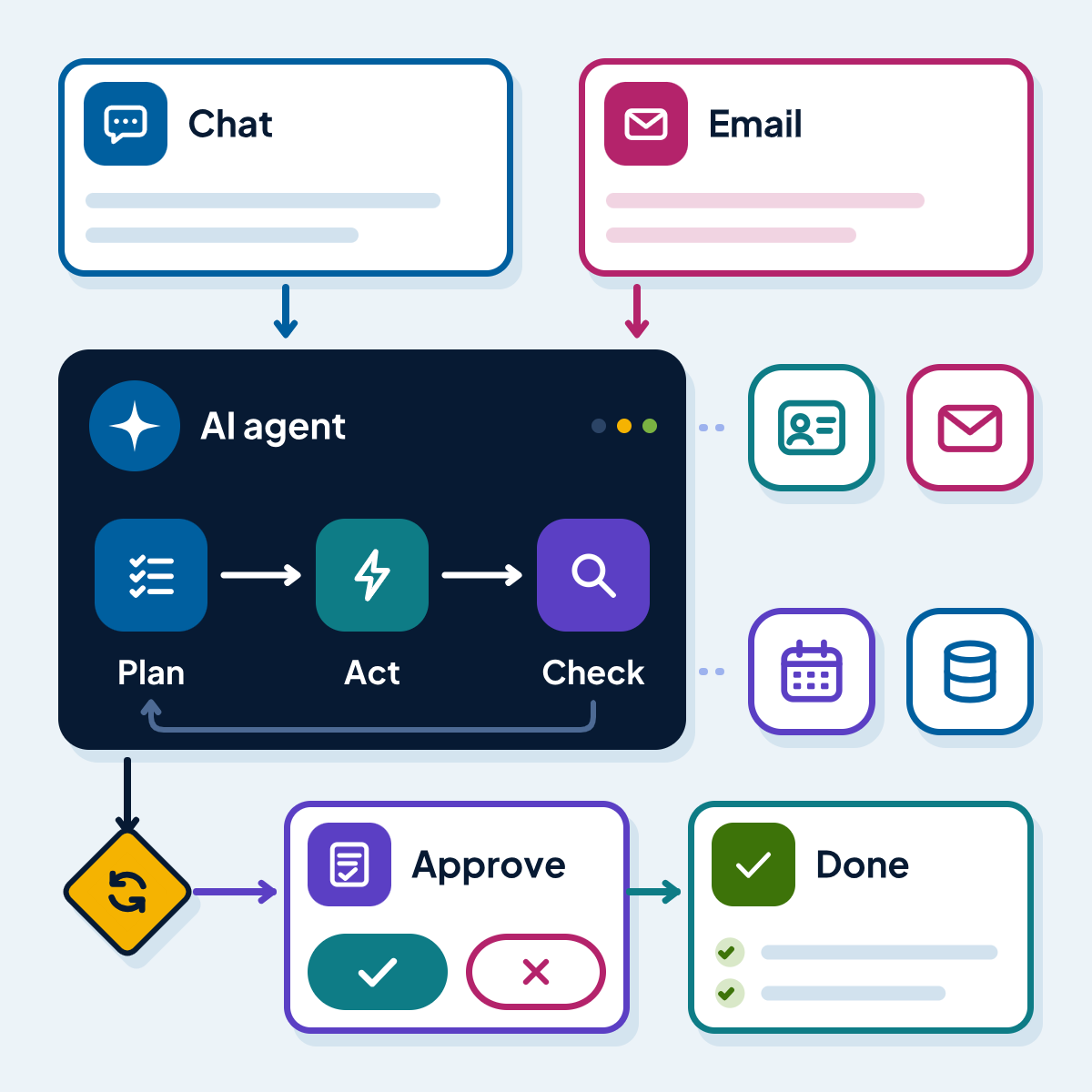
AI agents are the newest family: systems where a language model decides which step to take next and calls tools to act. Our guide to AI agents for business explains how they work in detail.
The three families compared
| Feature | Workflow and API integration | RPA | AI agents |
|---|---|---|---|
| Connects through | APIs, webhooks, connectors | The user interface of desktop and web apps | Tools and APIs chosen by the model at run time |
| Handles varied, unstructured input | No | No | Yes |
| Same input, same result every time | Yes | Yes | No |
| Works with systems that have no API | No | Yes | Partly |
| Breaks when a screen layout changes | No | Yes | No |
| Typical upkeep | Low | Medium to high | Medium: test set re-runs, prompt and tool updates |
| Cost per run | Very low | Low | Higher: model usage per step |
| Best fit | Fixed steps across modern systems | Legacy and desktop apps without APIs | Steps that need reading or judgement |
Source: Microsoft Power Automate, UiPath, n8n and Zapier documentation; Anthropic, Building effective agents (Dec 2024); AcmaSoft delivery practice. Checked 13 Nov 2026.
Workflow and integration tools
These run flows triggered by an event (a new record, a form, an email), a schedule or a person, and call other systems through connectors or APIs. Examples include Microsoft Power Automate cloud flows, which Microsoft describes as automation “triggered either automatically, instantly, or via a schedule”; n8n, which describes itself as “a fair-code licensed workflow automation tool that combines AI features with business process automation” and can be self-hosted with Docker Compose; and Zapier, a hosted service where, according to Zapier’s help centre, “a task is any successful action” while triggers and filter steps use no tasks. For more complex or high-volume flows, custom integration code on your own servers is often cheaper over time than per-task pricing.
Robotic process automation
RPA tools record or script interactions with application screens: open this window, read this field, paste it there, click save. Microsoft’s Power Automate documentation describes desktop flows as a way to “automate tasks on the web or the desktop”. UiPath is the other platform most of our clients ask about. RPA is the right tool when an important system, often an old desktop application or a supplier portal, offers no API and replacing it is not an option. It is the wrong tool when an API exists, because screen automation is slower and breaks when the interface changes. Our comparison of UiPath and Power Automate covers how the two main platforms differ.
AI agents and AI steps
Language models handle what rules cannot: an email worded in any way, a scanned document in an unfamiliar layout, a request that needs a policy applied with judgement. They can be used in two ways. As a single AI step inside a fixed workflow (classify this email, extract these fields), or as an agent that decides the sequence of steps itself. Anthropic’s engineering guide Building effective agents recommends “finding the simplest solution possible, and only increasing complexity when needed”, which in automation usually means the AI step inside a workflow, not a full agent.
The platforms are converging. Power Automate now lists generative actions in preview, where you specify the intent of an action and AI chooses the steps. UiPath describes its Maestro product as a way to “orchestrate AI agents, automations, and people across end-to-end processes”. n8n ships AI agent workflows. The underlying choice, fixed path or model-chosen path, remains yours for each step.
Which family fits your process
Apply the flow below to each step of a process, not to the process as a whole. Most real processes end up with fixed workflow steps, one or two AI steps and, occasionally, an RPA bot for a legacy screen.
Which kind of automation fits this step?
Question 1: Is the step the same for almost every case, with clear rules?
Question 2: Can the systems involved be reached through an API, connector or file export?
- YesWorkflow or API integration
- NoGo to question 3
Question 3: Can the system without an API be replaced or given an API at reasonable cost?
- YesFix the system, then use a workflow
- NoRPA for that step, inside a workflow
Question 4: Is the variation mainly in the input (wording, document layout) rather than in the steps?
- YesWorkflow with an AI step to read or classify the input
- NoGo to question 5
Question 5: Can every action be exposed as a tool with narrow permissions, and can you collect real past cases to test on?
- YesAI agent with approval points
- NoKeep a person on this step for now, and automate around it
A useful test for AI steps: could you write down, for a new member of staff, how to decide each case? If yes, it is probably a rule. If the honest answer is “read it and use your judgement within this policy”, it is a candidate for an AI step with review.
How to automate a process, step by step
Step 1: Pick the process
Choose one with volume, measurable time and error cost, and an owner who wants it changed.
Step 2: Map it as it really runs
Walk through real cases with the people who do the work. Record every step, decision, system and exception, and how often each exception happens.
Step 3: Measure the baseline
Cases per month, minutes per case, error rate, cost of an error, time from start to finish.
Step 4: Simplify before automating
Remove steps that exist only for historical reasons, and agree standard rules where people currently decide case by case.
Step 5: Choose the family per step
Use the decision flow above. Write down why each step gets workflow, RPA, AI or a person.
Step 6: Build with logs and exceptions
Every run leaves a record. Every exception goes to a named queue, not into a silent failure.
Step 7: Test on real cases
Run past cases through the automation and compare the outcome with what people did.
Step 8: Go live in stages
Start with one team or one case type, watch the exception queue daily, then widen.
Step 9: Measure against the baseline
Compare the same numbers after a few weeks of live use, and adjust.
Mapping exceptions is where most of the value hides. A process that looks like five steps on a whiteboard often has fifteen variations in practice: missing data, a customer who replies on a different channel, a supplier who sends a scanned document instead of a file. Automating the happy path and leaving exceptions to fall through creates more work than it saves. Planned articles in this cluster cover how to score which processes to automate first and how to design approval workflows with escalations and audit trails.
Want a second opinion on your plans?
Tell us what you are working on. A specialist will look at it and reply with practical next steps.
Get in touchWorked example: account allocation, follow-ups and field visits in collections
Debt collection is a good illustration because one process uses all three families. We build and run two collections platforms, and both are described on their project pages.
Allocation: rules and workflow, no AI
In Collbox, our debt collection CRM for agencies in India, an agency imports the allocation it receives from each lender from Excel, and the system spreads the accounts across tele-callers, team leaders, teams, areas, pin codes and field collectors, by portfolio and bucket, with approval before assignment and support for reassignment. This is pure rules: the same inputs should always produce the same allocation, and supervisors need to see exactly why an account went where it did. No model is involved, and none should be.
Follow-ups: scheduled workflow with people in the loop
Each tele-caller’s to-do list in Collbox is generated from the records: today’s promises to pay, call-backs, pending calls and visits, and broken promises. Disposition codes, promises to pay and payments recorded on each call feed the dashboards directly. Again this is workflow, triggered by dates and statuses, with people doing the conversations.
Multi-channel strategy: workflow with AI voice steps
attpro CollectOS, our multi-tenant collections platform for lenders in India, adds AI where it earns its place. A collections team uploads overdue accounts, draws its recovery strategy once in a flow builder (or describes it in plain English for an AI composer to turn into a flow), and the platform contacts every borrower in order: SMS and WhatsApp reminders, AI voice calls in Hindi and regional languages, a queue for human agents and, where needed, a field visit. The AI voice agent is one step inside a fixed flow, and it hands over to a human queue.
The platform also enforces conduct rules itself, such as quiet hours, consent and do-not-call lists, and each call adds its recording, transcript and outcome to a hash-chained audit trail. Those rules are code, not model instructions, because they must hold every time.
Field visits: mobile app feeding the workflow
Field collectors work from a mobile app that records visits, payments and location, so supervisors see the field team live. Automation here means removing re-keying: what the collector records on the doorstep reaches the case record and the dashboard immediately.
The pattern to copy
- Rules for anything that must be consistent and explainable (allocation, conduct rules). Workflow for timing and routing (follow-ups, queues). AI only for the step that needs language (the conversation itself), with a person behind it. Records for everything.
Payback: how to calculate it
An automation pays back when the monthly saving exceeds the monthly running cost by enough to recover the build cost in a period you accept. The inputs are all things you can measure in your own business; none need industry averages.
| Item | How to calculate it | Where the number comes from |
|---|---|---|
| Time saved per month | Cases per month x minutes saved per case / 60 x loaded hourly cost of staff | Baseline measurement and payroll |
| Errors avoided per month | Errors per month before minus after x average cost of an error | Rework logs, refunds, penalties, write-offs |
| Run cost per month | Licences or per-task fees + hosting + model usage + support hours | Vendor price lists and your own usage |
| Net monthly benefit | Time saved + errors avoided - run cost | The three lines above |
| Payback period | One-off build cost / net monthly benefit | Supplier quote and the line above |
Source: Standard payback arithmetic; inputs from your own baseline. AcmaSoft.
Three cautions from experience:
- Count the exceptions. Minutes saved per case is an average across all cases, including the ones that still need a person. If 20% of cases go to the exception queue, they save little or nothing.
- Count upkeep. RPA bots need fixing when screens change; AI steps need test re-runs and content updates; workflows need changes when policies change. Put hours for these in the run cost.
- Watch per-task pricing at scale. Hosted workflow tools that charge per task or action are economical at low volume. At high volume, compare with self-hosting or custom integration; the difference can be large.
For AI steps, the run cost includes model usage per case. Our AI agents guide has a worked example of model cost per task at list prices, and our guide to AI development cost covers the build side.
Common mistakes in process automation
- Automating a broken process. If the manual process has unnecessary steps, the automated version runs them faster. Simplify first.
- Choosing the tool before mapping the process. A team that has bought an RPA licence tends to see every problem as an RPA problem.
- Screen automation where an API exists. Check for APIs, exports and webhooks first, including paid add-ons.
- AI for rules. If the decision can be written as rules, a model adds cost and uncertainty for no benefit.
- Silent failures. Every automation needs a visible exception queue, alerts and a named owner.
- No audit trail. When a customer or regulator asks what happened to a case, the automation must be able to answer.
Checklist before you automate a process
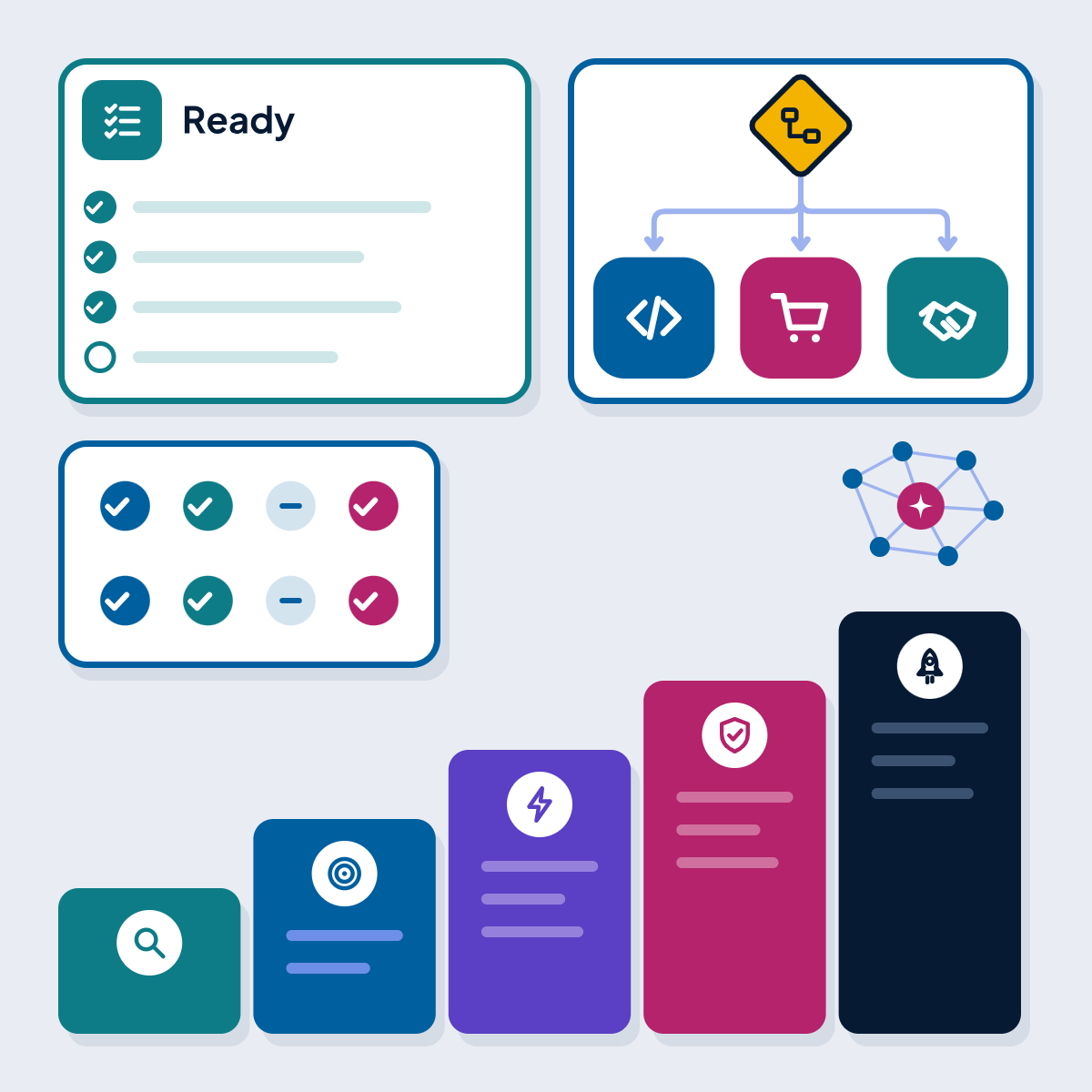
Ready to automate
- The process has an owner who wants it changed and will judge the result
- It has been mapped with the people who do it, including exceptions and how often each occurs
- The baseline is measured: volume, minutes per case, error rate and error cost
- Unnecessary steps are removed and decision rules are written down where possible
- Each step has a chosen family (workflow, RPA, AI or a person) with a reason recorded
- API access is confirmed for each system, or the case for RPA is documented
- Every run will leave a record, and every exception lands in a named queue
- Personal data handling is checked against the laws of the markets you serve
- Real past cases are available to test the automation before go-live
- The run cost, including upkeep hours, is in the budget
Where automation meets your other systems
Automation rarely stands alone. A few common pairings:
- Documents: invoices, forms, contracts and identity documents need extraction before a workflow can use them. Our document automation service combines OCR or language model extraction with confidence scores and human review queues.
- Marketing: lead capture, nurture sequences, scoring and CRM sync are workflow automation with consent rules attached; see marketing automation.
- AI agents: where a step needs judgement across several systems, an agent can sit inside the workflow; see AI agent development.
- Data and reporting: every automation produces data about the process itself, which shows where time is still lost.
If you are deciding where AI fits across the business more broadly, our AI adoption roadmap covers how to choose and sequence use cases. Planned articles in this cluster compare n8n, Zapier, Make and Power Automate, explain intelligent document processing, cover debt collection automation in more depth and set out B2B marketing automation flows.
How we deliver automation projects
Our workflow automation projects start with process mapping and a baseline, then a recommendation per step: workflow, RPA, AI or a person. We work with Power Automate, UiPath, n8n and custom integration code, and we recommend the tool that fits your systems and volumes, including the one you already licence. Where a system has no API, our RPA services team builds and maintains the bots.
Delivery runs remotely from India with one named lead, sprint demos and a staging environment. Office hours are 9:30 am to 6:30 pm India time, Monday to Saturday, with evening hours for North American clients by arrangement. A fixed price suits a defined first process; a dedicated team suits a programme of automations; time and materials suits work where the exceptions are still being discovered.
Have a process in mind?
Send us a short description of the process and the systems it touches through our workflow automation page. We will tell you which steps suit workflow, RPA or AI, and which should stay with your team.
Get new guides by email
Articles and guides from our team, and company news. Unsubscribe at any time.
About AcmaSoft
AcmaSoft designs and builds websites, mobile apps and custom software, and runs SEO and digital marketing for its clients.
- Years of experience
- 17+
- Clients served
- 650+
- Projects delivered
- 2,000+
- Products shipped
- 300+