

Computer vision development services for inspection, detection and video analytics
At AcmaSoft, we build computer vision systems that classify images, detect and count objects, read text, find defects on production lines and analyse video, running on edge devices or in the cloud and tested on images from your own site.
- Years of experience
- 17+
- Clients served
- 650+
- Projects delivered
- 2,000+
- Products shipped
- 300+
Where computer vision earns its place
Many jobs still depend on someone looking: checking parts for scratches, counting stock on shelves, confirming a worker is wearing a helmet, reading a meter. People tire and miss things, and cameras on their own only record.
Computer vision models turn camera images into decisions. A trained model can flag a faulty part, count vehicles at a gate or read a serial number, and it applies the same check to the thousandth image as to the first. Its accuracy depends on lighting, camera position and, above all, on enough labelled examples of what it must find.
We start with a feasibility test on your images and say plainly what accuracy to expect. To pull data out of invoices, forms and other business documents, see document automation; for predictions from numbers rather than pictures, see machine learning development.
What you get with computer vision development
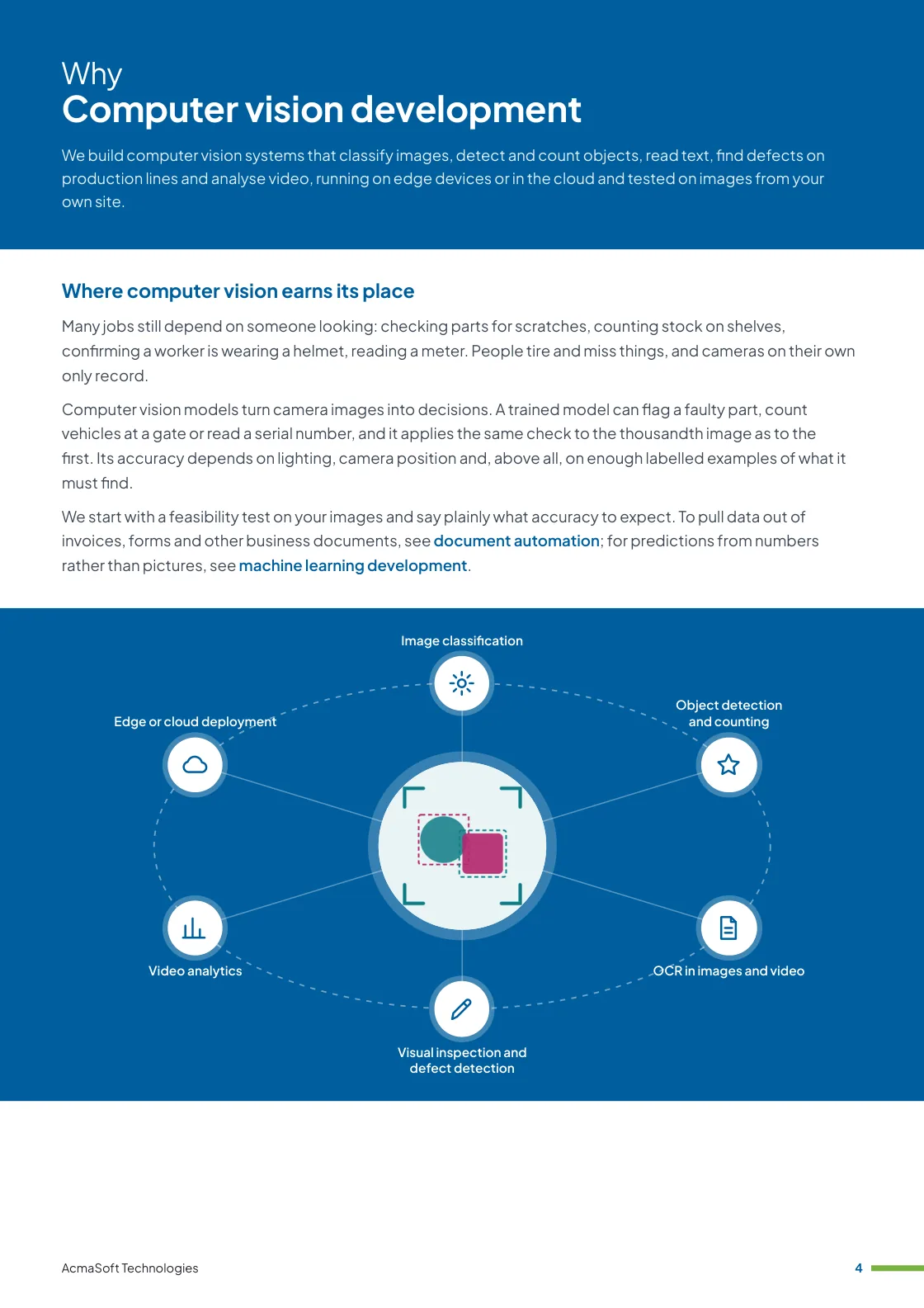
- Image classification
- Object detection and counting
- OCR in images and video
- Visual inspection and defect detection
- Video analytics
- One named lead from first call to launch
- Support and improvements after launch
More in AI and automation
Our computer vision services
Six kinds of vision system, trained on your images and connected to the systems that act on the results.
-
Image classification
Sorting images by what they show
Models that sort images into categories you define, such as product type, grade, level of damage or whether a photo meets your upload rules.
We start from pre-trained models and fine-tune them on your labelled images, which needs far less data than training from scratch.
-
Object detection and counting
Finding and locating items
Detection models such as the YOLO family locate each object in an image or video frame, so the system can count stock, vehicles, people or parts and follow them from frame to frame.
We agree in advance how to treat overlapping, partly hidden and very small objects.
-
OCR in images and video
Reading text in the scene
Reading serial numbers, labels, meter displays, number plates and printed codes from camera images, where text is curved, angled or partly worn.
Scanned business paperwork such as invoices is better served by our document automation service.
-
Visual inspection and defect detection
Quality checks on the line
Inspection systems that find scratches, dents, missing components, misprints or wrong assembly, with rules for when to reject a part and when to call an inspector.
Where defects are rare we use anomaly detection trained mostly on good parts, and tune thresholds with your quality team.
-
Video analytics
Turning footage into events
Analysis of live or recorded video from IP cameras to detect events such as a person in a restricted zone, a queue that is too long or a vehicle stopped where it should not be.
Alerts go to the people who need them, with the clip attached for a quick check.
-
Edge or cloud deployment
Running where it makes sense
Models run on edge devices such as NVIDIA Jetson boards or industrial PCs when results are needed in milliseconds, bandwidth is limited or images must stay on site, and in the cloud when scale or model size matters more.
We optimise models with tools such as ONNX Runtime and TensorRT and plan how updates reach every device.
What to look for in a computer vision company
Vision models often look excellent on demo images and struggle on a real factory floor. A dependable partner offers:
-
Tests on your own images
Accuracy measured on pictures from your cameras, lighting and products, with misses and false alarms reported separately.
-
Attention to the physical setup
Advice on camera choice, position, lighting and mounting, because a better image often helps more than a better model.
-
A plan for drift
Monitoring that notices when new products, seasons or camera changes reduce accuracy, and a process for relabelling and retraining.
Ways to work with us
Choose the model that fits your scope and budget for computer vision development. Many clients start with one and move to another as the work grows.
-
Fixed price
A defined scope delivered for an agreed price and timeline, in milestones you approve.
- Best for
- Clear requirements, a fixed budget and a firm deadline.
- How it is priced
- One agreed price, paid in instalments tied to milestones.
-
Dedicated team
A team with a project lead that works only on your product, on the priorities you set.
- Best for
- Long-term products and roadmaps that change often.
- How it is priced
- A monthly fee per team member, based on role and seniority.
-
Time and material
You pay for the hours worked and can change the scope as you learn, in short iterations.
- Best for
- Requirements that are hard to fix up front, and ongoing improvements.
- How it is priced
- Hourly or daily rates by role, invoiced monthly against logged time.
Need AI and LLM developers to join your own team instead?
Hire AI and LLM developersWhat our clients say
More client reviews-
AcmaSoft delivered software solutions that streamlined our operations. Their attention to detail and commitment to quality set them apart.
Michael L Berlin -
Kudos to AcmaSoft for their innovative approach to software development. Their solutions are cutting-edge, providing a significant competitive advantage.
Aisha R Dubai
Industries our AI and automation team works in
Our AI and automation team builds for businesses in these industries, and we adapt computer vision development to each one's rules, systems and customers.


Working with international clients
Our team delivers remotely, so the questions that matter are when we can talk and how the work is run. Here are our office hours beside yours.
Our office hours Monday to Saturday, 9:30 am to 6:30 pm India time (IST)
Evening hours for North American clients, by arrangement: Monday to Friday, 6:30 pm to 9:30 pm India time
| Your region | Our hours in your time | Shared working hours |
|---|---|---|
| UKLondon | 4 am to 1 pm | 9 am to 1 pm |
| Central EuropeParis, Berlin | 5 am to 2 pm | 9 am to 2 pm |
| US EastNew York, Toronto | 11 pm to 8 am (next day) Evening hours to 11 am | 9 am to 11 am In our evening hours, by arrangement |
| US WestLos Angeles, Vancouver | 8 pm to 5 am (next day) Evening hours to 8 am | No overlap Early calls 7 am to 8 am, by arrangement |
| GulfDubai, Abu Dhabi | 8 am to 5 pm | 9 am to 5 pm |
| Singapore | 12 noon to 9 pm | 12 noon to 6 pm |
| Australia EastSydney, Melbourne | 3 pm to 12 midnight | 3 pm to 6 pm |
Our day ends before yours starts, so updates are waiting each morning and we agree call times with you.
Times follow daylight saving where your region uses it, against a working day of 9 am to 6 pm. Messages sent outside our hours are picked up when the team is back.
-
Remote delivery
Discovery, design, development and testing run remotely, with one named lead, a demo of working features at the end of each sprint and a staging site you can try.
-
How we stay in touch
Email, video calls and chat such as Slack, Microsoft Teams or WhatsApp, with the hours of overlap and meeting times agreed in the communication plan at the start.
-
Contracts and invoices
Proposals, contracts and invoices are in English and priced in US dollars, or in your own currency on request. A non-disclosure agreement can be signed before you share any details.
-
Privacy laws we design for
We design forms, consent and data handling with the law of your market in mind: GDPR and UK GDPR, CCPA and CPRA, PIPEDA, the UAE PDPL, the Australian Privacy Act, Singapore's PDPA and India's DPDP Act.
Questions about computer vision development
Something else on your mind? Ask us directly and a specialist will reply.
Ask a questionHow many images do we need to train a model?
It depends on how varied the images are and how subtle the differences. Starting from a pre-trained model, a first test is often possible with a few hundred labelled images per category, but rare defects or difficult conditions need more. The feasibility test shows whether your data is enough.
How accurate will the system be?
We cannot know until we test on your images. We report precision and recall on images the model has not seen, so you know how often it misses a real case and how often it raises a false alarm, and we set thresholds with you based on which mistake costs more.
Can it run on our existing CCTV or IP cameras?
Often, yes, if their resolution, frame rate, angle and lighting show the detail the model needs. We review footage from your cameras first and recommend changes only where the current setup cannot show what must be detected.
Should the model run on site or in the cloud?
An edge device on site suits fast decisions such as rejecting a part, sites with limited bandwidth and images that must not leave the premises. The cloud suits large volumes of stored images or heavy models. Some systems filter at the edge and send only events to the cloud.
What about privacy when cameras record people?
We design for the minimum needed: counting without identifying, blurring faces where possible, short retention and clear signage. Face recognition and staff monitoring raise legal questions under laws such as India's Digital Personal Data Protection Act and the GDPR, so take legal advice before using them.
Related insights
All insights-
 16 Nov 2026
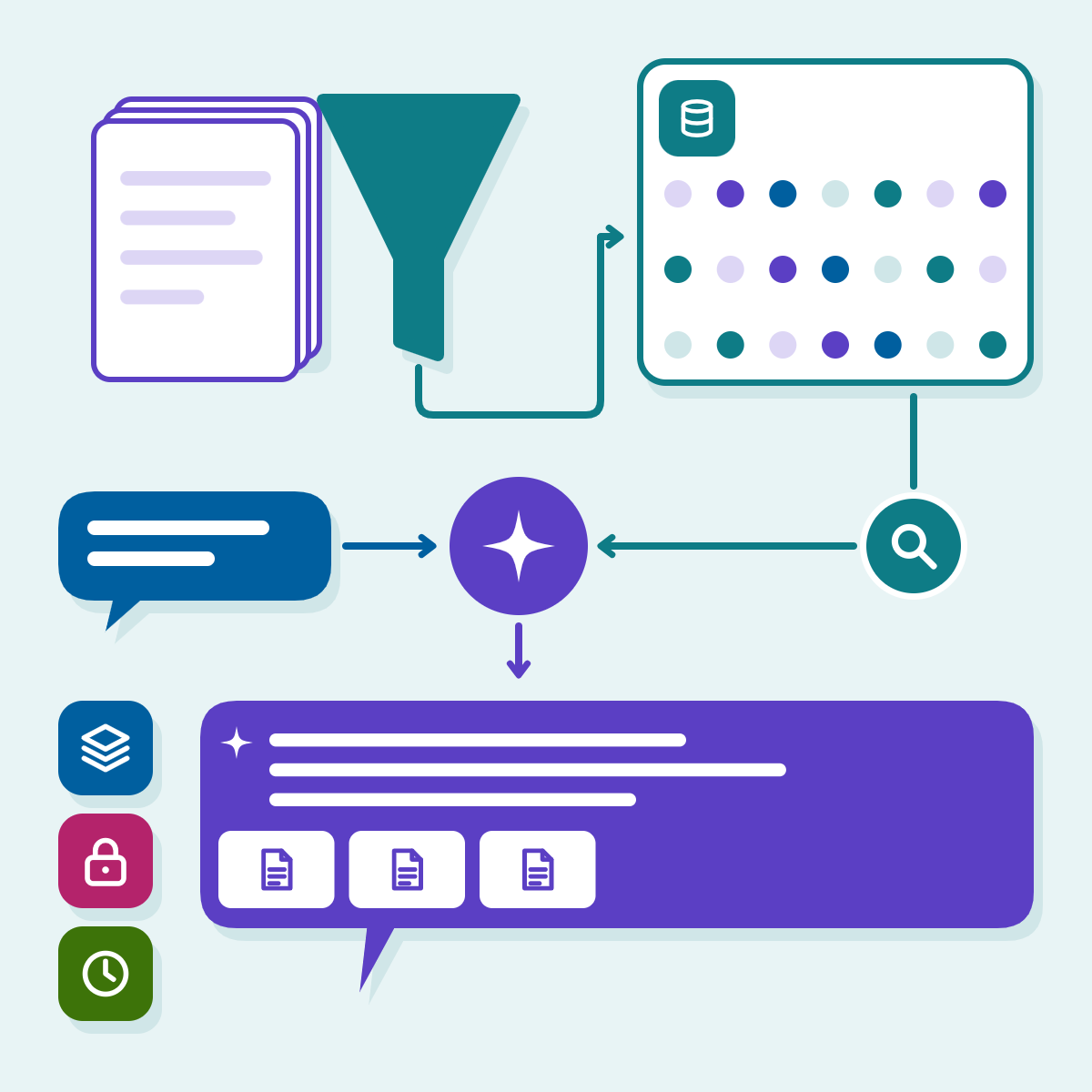
RAG explained: how retrieval-augmented generation works and when a business needs it
A plain walk-through of retrieval-augmented generation, a minimal pgvector query, the decisions that decide quality (chunking, permissions, freshness, evaluation) and…
-
 16 Nov 2026
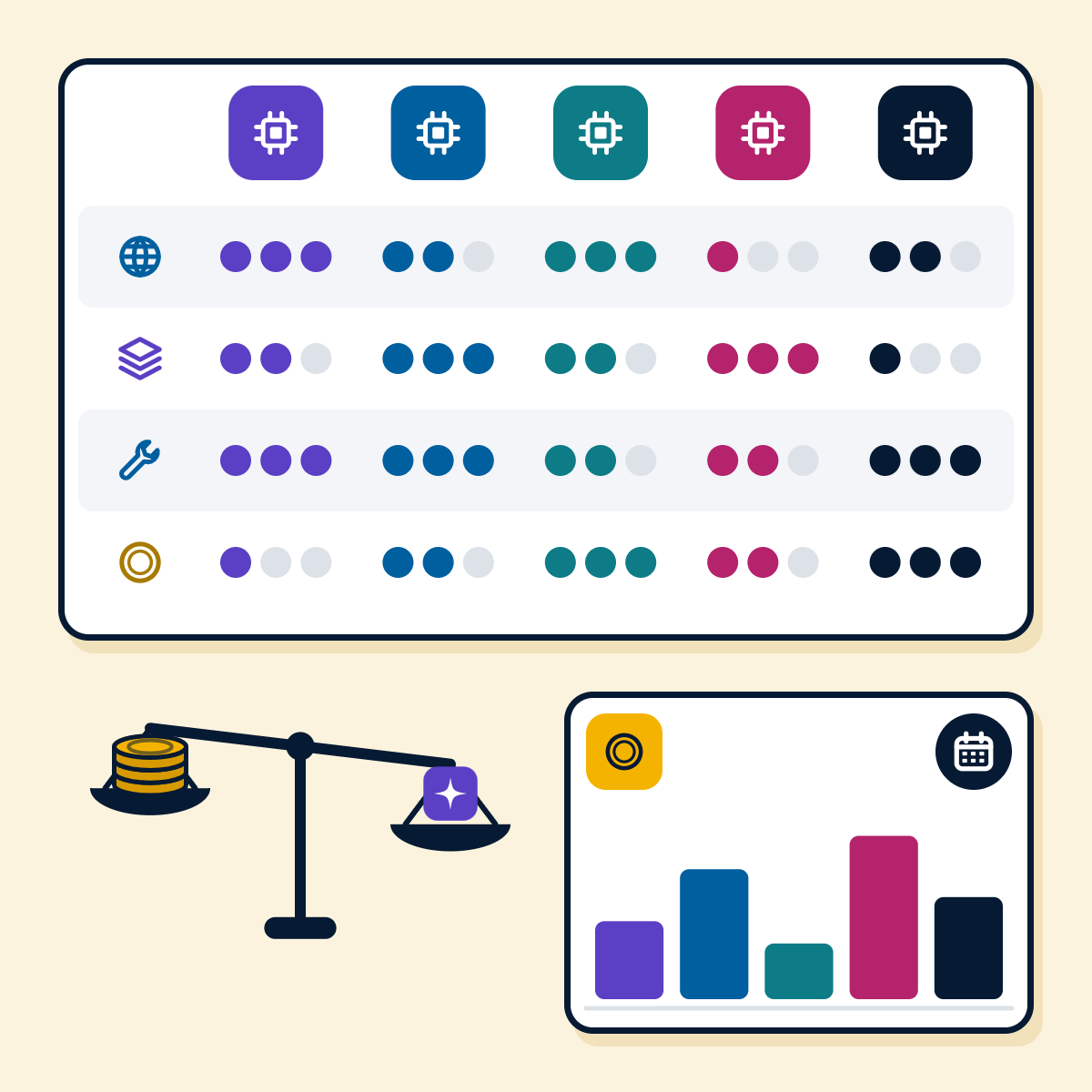
Choosing an LLM in 2026: GPT, Claude, Gemini, Llama and Mistral compared for business use
GPT, Claude, Gemini, Llama and Mistral compared on what decides a business project: price per million tokens, context, tool use,…
-
 16 Nov 2026
Chatbot development cost in 2026: a breakdown by type and channel
What drives the build and run cost of a chatbot by type and channel, with model prices and WhatsApp pricing…
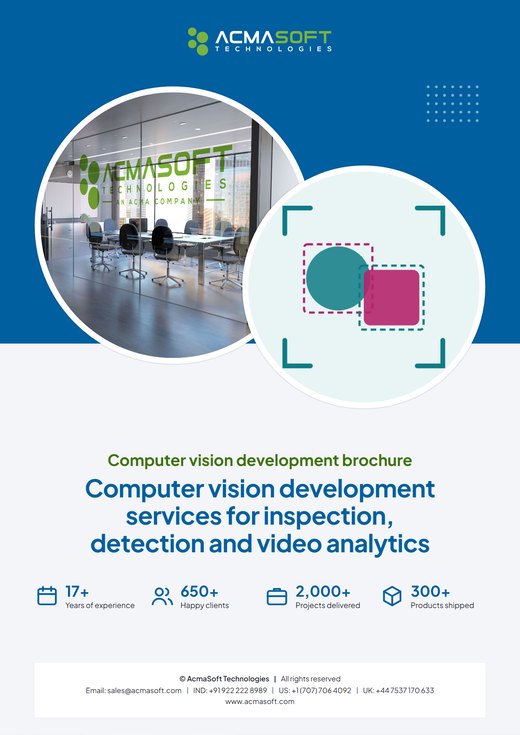
Computer vision development brochure
We build computer vision systems that classify images, detect and count objects, read text, find defects on production lines and analyse video, running on edge devices or in the cloud and tested on images from your own site.
Inside this brochure
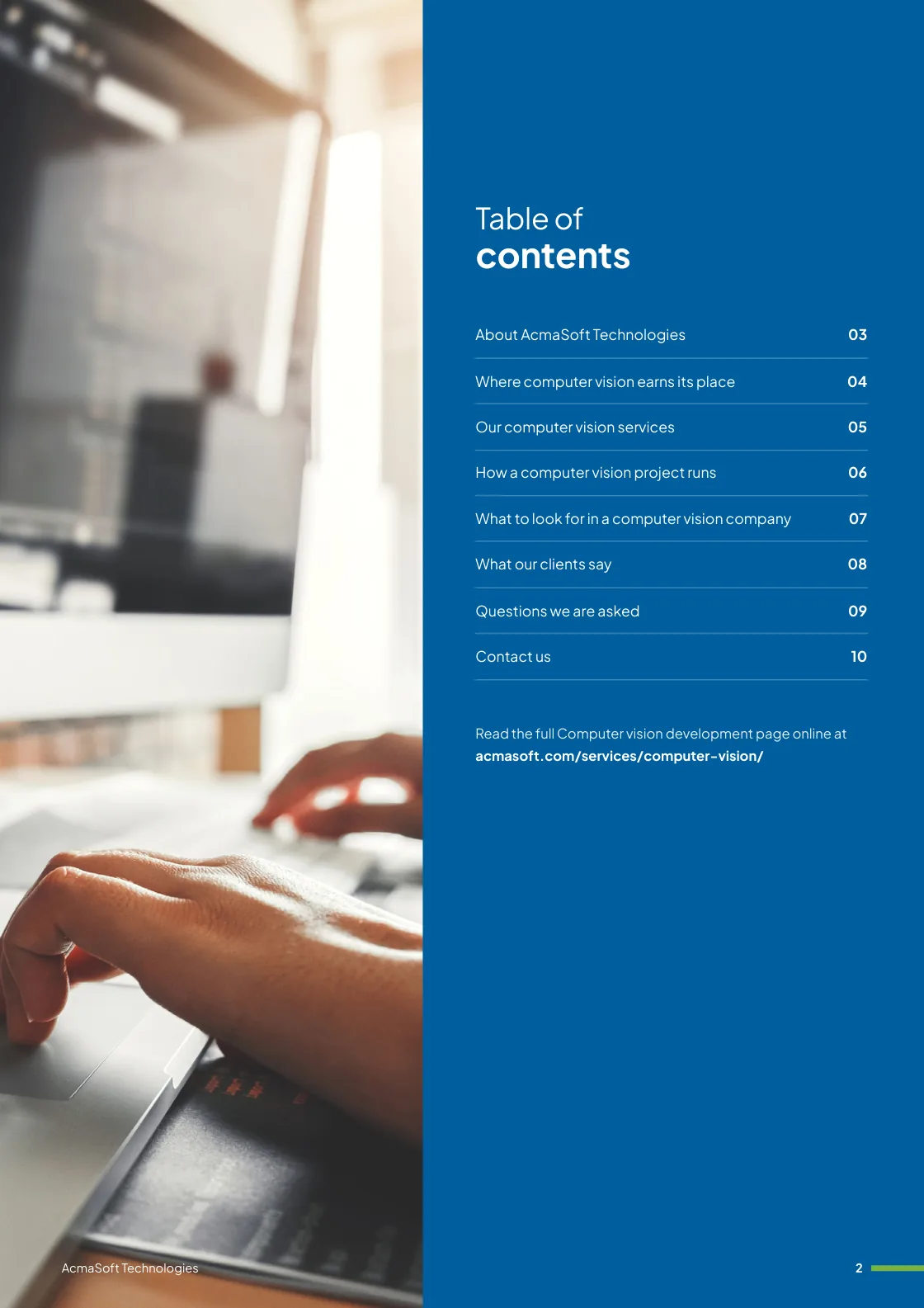
- Where computer vision earns its place
- Our computer vision services
- How a computer vision project runs
- What to look for in a computer vision company
- 2.7 MB
- 10 pages
- AI and automation
You have downloaded from us before, so this one needs no form.
Get the brochure
Tell us who you are and the download starts straight away. We remember you on this device for 90 days, so you only fill this in once.
Your download has started.
If it does not start, download the brochure here. The links work for 15 minutes.
- Your reference
- Brochure
What you can do next
- Read it and share itShare the brochure with your team before you get in touch. It is free to read and share.
- Get a quote when you are readySix short questions on our request a quote page, and a reply within one business day.
Start your Computer vision development project
Tell us what you are planning and a specialist will reply with next steps, a rough timeline and the questions we need answered.
- Emailsales@acmasoft.com
- Call+1 (707) 706 4092
- Prefer a call?
Thank you, your message is on its way.
It has reached our sales team, together with the page you sent it from.
- Your reference
- Budget
While we prepare your reply, here is the Computer vision development brochure.
Download the brochure, Computer vision development brochure, PDF, 2.7 MBWhat happens next
- A specialist gets in touchWithin one business day, by email or phone, with any questions about what you need.
- We talk it throughA short call about your goals, users, timeline and budget. We can sign an NDA first.
- You get a proposalScope, team, timeline and cost, with the engagement model that fits the work.