

Mac app development for macOS
At AcmaSoft, we develop native macOS applications and Mac versions of your iPhone and iPad apps, designed for the keyboard, mouse and large screens of a Mac.

How we approach Mac
Mac app development serves people who work with a keyboard, a pointer, several windows and a large display. We build native macOS apps in Swift with SwiftUI and AppKit, with menus, shortcuts, drag and drop and window handling that behave the way Mac users expect, and bring iPhone and iPad apps to the Mac with Mac Catalyst or a shared SwiftUI code base.
Our Mac work covers desktop tools for internal teams, menu bar utilities, companion apps for web platforms, and Mac versions of existing iOS products. We handle code signing and notarisation for direct distribution, or the Mac App Store when its reach and payments suit you. The iPhone side is described on iPhone app development, and design for Apple platforms on iPhone UI and UX design.
AcmaSoft highlights
- 17+ years delivering software, design and marketing
- 650+ clients served across industries
- 2,000+ projects delivered from discovery to launch
- 300+ products shipped and supported
- macOS work delivered through our App Development service
- 6 macOS services under one team, from planning to support
Our Mac services
The Mac work we take on, from a new desktop app to a Mac edition of the app you already run on iPhone.

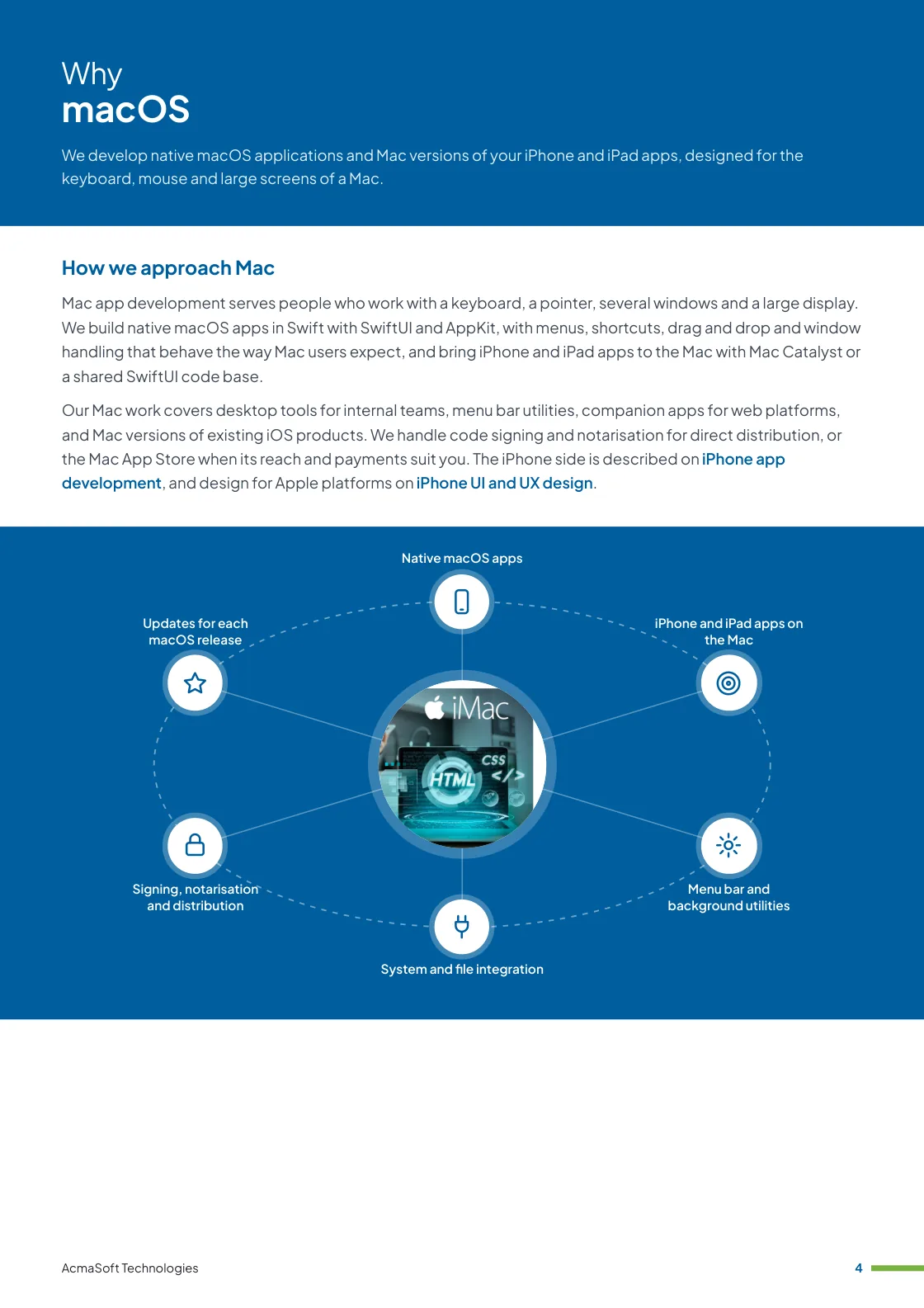
Native macOS apps
Desktop apps in Swift with SwiftUI and AppKit, with menus, toolbars, shortcuts, multiple windows and full keyboard support.

iPhone and iPad apps on the Mac
Existing iOS apps brought to macOS with Mac Catalyst or shared SwiftUI views, adjusted for pointer and window use.

Menu bar and background utilities
Small tools that live in the menu bar, watch folders or sync files, using background tasks the way macOS allows.

System and file integration
Drag and drop, Finder and Share extensions, Spotlight, iCloud and connections to your APIs and local files.

Signing, notarisation and distribution
Developer ID signing, notarisation, installers and auto-updates for direct download, or Mac App Store submission.

Updates for each macOS release
Testing on new macOS versions and Apple silicon Macs, fixes, and adoption of new system features over time.
Entrust your macOS project to a team with 17+ years of delivery
Reach out to usHow a Mac project runs
From the first conversation to launch and support, in 6 steps.
-
Workflow review
We look at how people will use the app at their desk, which files and apps it touches and how often.
-
Distribution choice
We decide between the Mac App Store and direct distribution, which shapes sandboxing, payments and updates.
-
Desktop interaction design
Windows, menus, shortcuts and settings are designed to Mac conventions, not copied from a phone.
-
Build in sprints
Features arrive in short sprints, with signed test builds or TestFlight for Mac after each one.
-
Testing on real Macs
We test on different Macs and display sizes, with keyboard only use, VoiceOver and multiple displays.
-
Release and updates
We notarise and publish the app, set up updates and keep it current with new macOS releases.
Our customers say
Impeccable Tech Innovation at its Best! AcmaSoft Technologies brought cutting-edge solutions to our project, enhancing our app development functionality. Great teamwork!
Why partner with AcmaSoft for Mac
Mac users notice quickly when an app behaves like a phone app on a bigger screen. We build to desktop conventions and Apple's distribution rules from the start.
-
Real desktop behaviour
Menus, shortcuts, windows and drag and drop work the way Mac users expect, which makes the app faster to use.
-
One Swift team for Apple platforms
The same developers can build your iPhone, iPad and Mac apps and share code between them.
-
Distribution handled
Signing, notarisation, sandboxing and update mechanisms are set up correctly, so installs do not trigger warnings.
-
Ready for new macOS releases
We test against each new macOS release and update the app before your users meet problems.
See how Mac fits into our app development service
Explore app developmentOur cooperation models
Keep full control of the team, hand us a whole team, or give us the entire project. You can change the model as the work grows.
Staff augmentation with experienced Apple platform developers
Experienced Apple platform developers join your team, work in your tools and on your priorities, and close skill gaps without the time and cost of hiring.
-
Discovery call
We go through your project, stack and the skills you need, and agree hours and a start date.
-
Expert selection
We propose people whose experience matches, and you interview them before anyone starts.
-
Cooperation start
They start work under your management, and you can scale the team up or down as the work changes.
Hire Apple platform developers
Hire Apple platform developersA dedicated team for your macOS product
A self-managed team with a project lead, developers, designers and testers, working only on your product for as long as you need it.
-
Team planning
We agree the roadmap, roles and working rhythm, and how progress is reported to you.
-
Team assembly
We put the team together with a lead who knows your domain, and set up access and tools.
-
Delivery
The team works in short cycles, shows working software at each review and adapts to your feedback.
Build your dedicated macOS team
Discuss a teamEnd-to-end macOS project delivery
We take responsibility for the whole project: an agreed scope, timeline and budget, from discovery to launch and support.
-
Discovery
We agree goals, features and constraints with you, and turn them into a clear scope.
-
Estimate and plan
You get a written estimate, timeline and milestones before any work is committed.
-
Build and launch
We design, build and test in stages, launch with you and support the product afterwards.
Outsource your macOS project to AcmaSoft
Request a quoteRelated technologies
We choose the stack for your budget, goals and current systems. These are the technologies we most often use alongside macOS.
Mobile
Often used with
Everything we work with
Related insights
All insights-
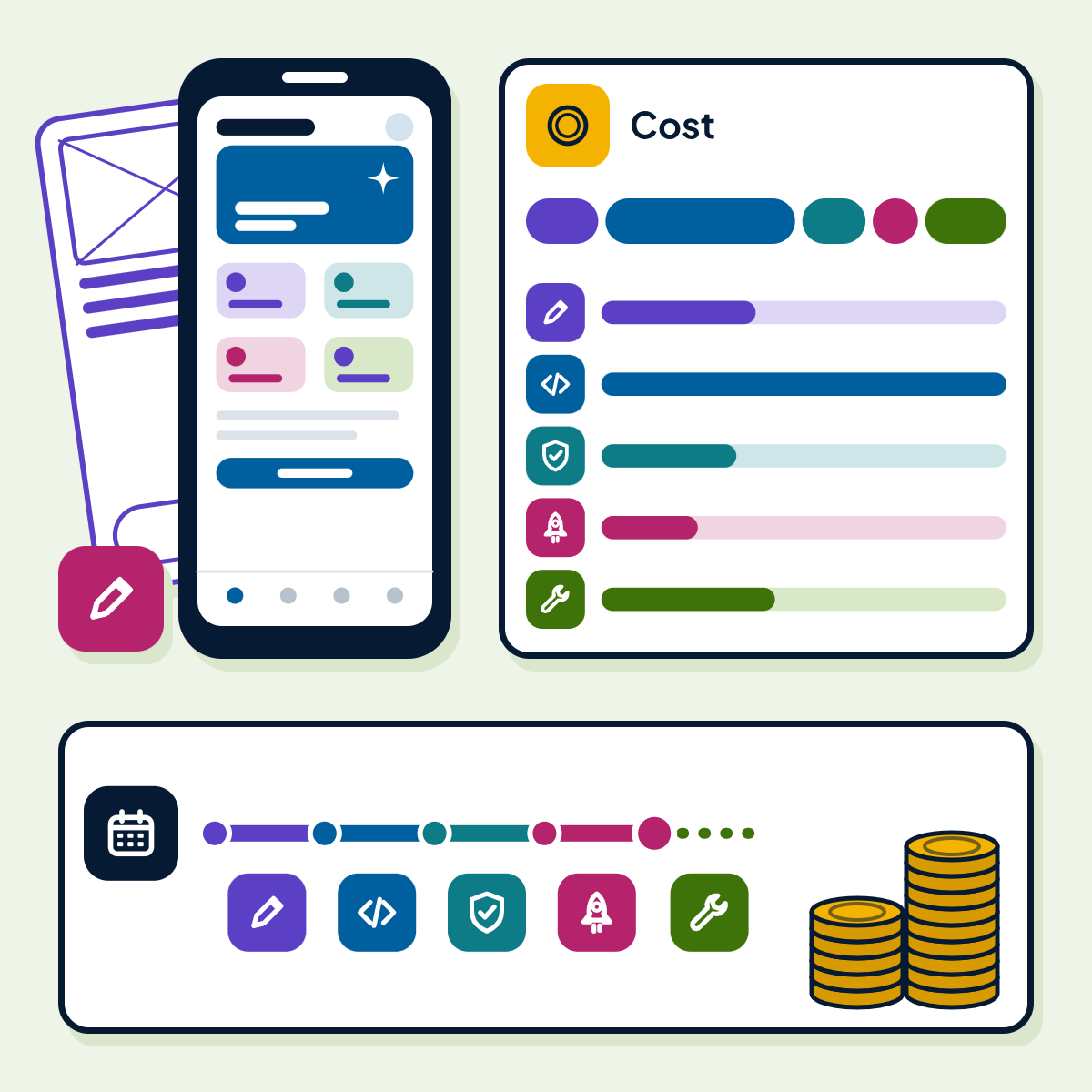 16 Nov 2026
How much does it cost to build an app in 2026? A breakdown by type, features and team
What decides the cost of an app in 2026: platforms, features, integrations, design, team and contract model, with Apple and…
-
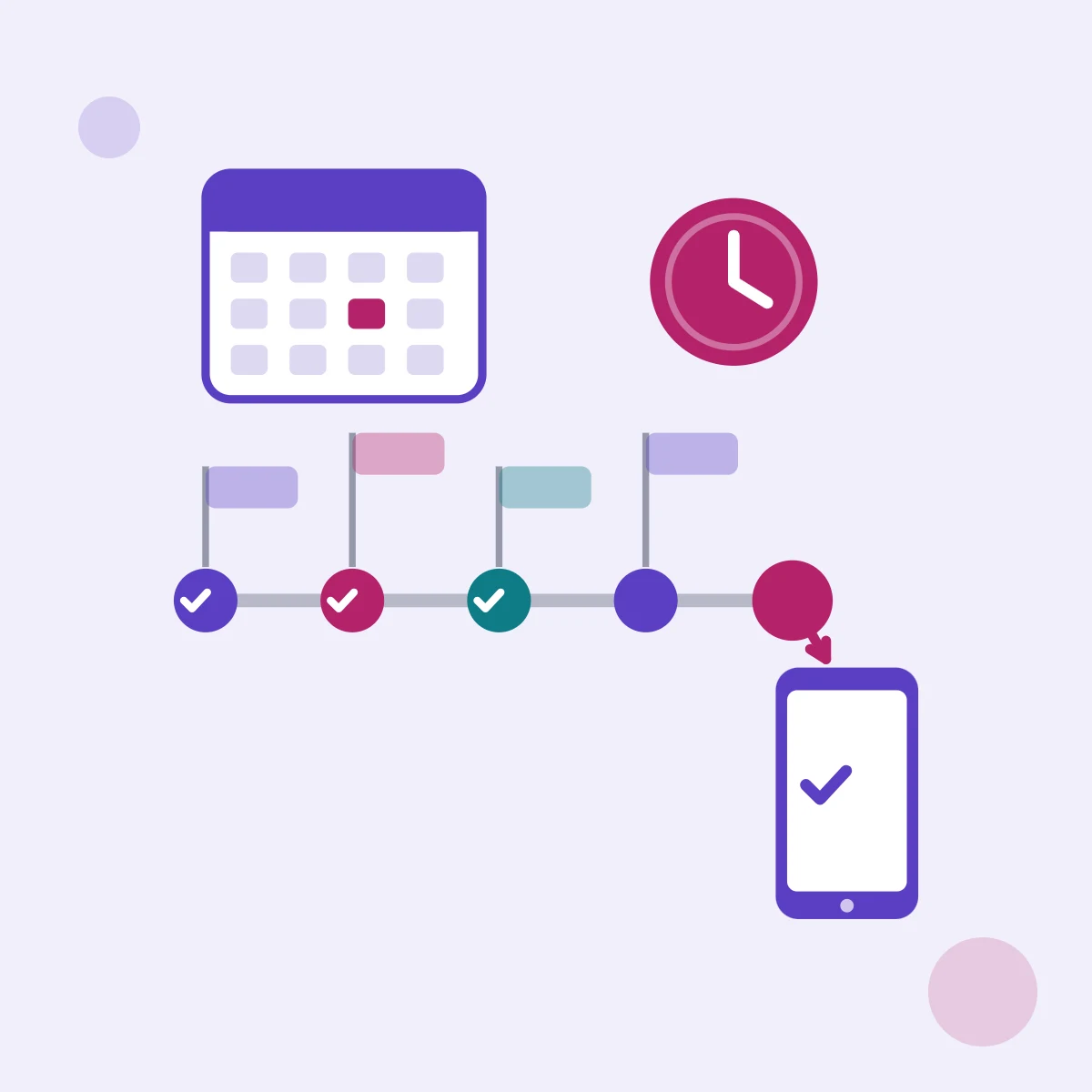 11 Nov 2026
How long does it take to build an app? A realistic timeline by stage
An app project broken into its seven stages, with planning ranges by app size, what Apple and Google say about…
-
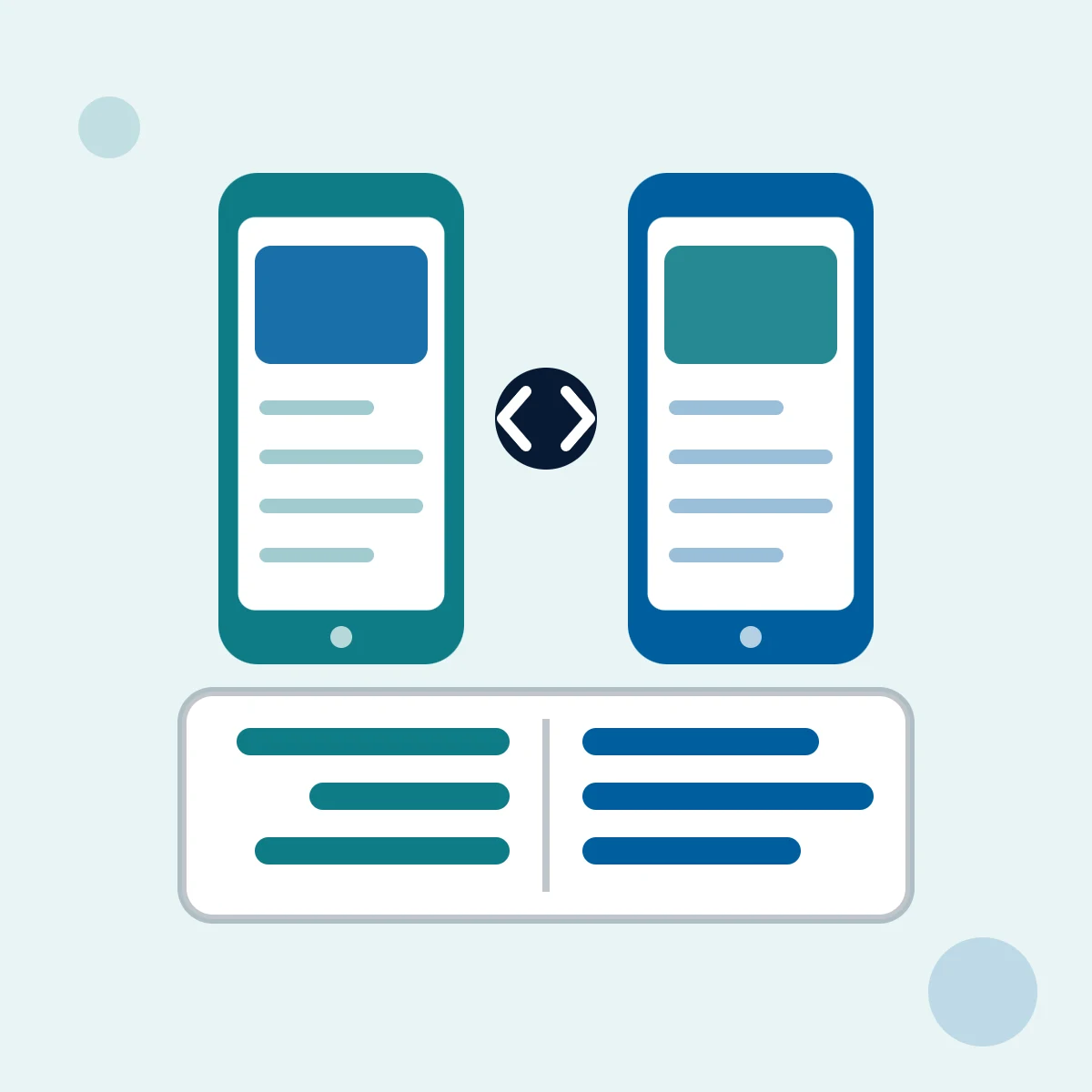 9 Nov 2026
Flutter vs React Native: how to choose for your app
Flutter and React Native compared on rendering, platforms, performance, device features, hiring and long-term cost, with Stack Overflow survey data,…
Working with international clients
Our team delivers remotely, so the questions that matter are when we can talk and how the work is run. Here are our office hours beside yours.
Our office hours Monday to Saturday, 9:30 am to 6:30 pm India time (IST)
Evening hours for North American clients, by arrangement: Monday to Friday, 6:30 pm to 9:30 pm India time
| Your region | Our hours in your time | Shared working hours |
|---|---|---|
| UKLondon | 4 am to 1 pm | 9 am to 1 pm |
| Central EuropeParis, Berlin | 5 am to 2 pm | 9 am to 2 pm |
| US EastNew York, Toronto | 11 pm to 8 am (next day) Evening hours to 11 am | 9 am to 11 am In our evening hours, by arrangement |
| US WestLos Angeles, Vancouver | 8 pm to 5 am (next day) Evening hours to 8 am | No overlap Early calls 7 am to 8 am, by arrangement |
| GulfDubai, Abu Dhabi | 8 am to 5 pm | 9 am to 5 pm |
| Singapore | 12 noon to 9 pm | 12 noon to 6 pm |
| Australia EastSydney, Melbourne | 3 pm to 12 midnight | 3 pm to 6 pm |
Our day ends before yours starts, so updates are waiting each morning and we agree call times with you.
Times follow daylight saving where your region uses it, against a working day of 9 am to 6 pm. Messages sent outside our hours are picked up when the team is back.
-
Remote delivery
Discovery, design, development and testing run remotely, with one named lead, a demo of working features at the end of each sprint and a staging site you can try.
-
How we stay in touch
Email, video calls and chat such as Slack, Microsoft Teams or WhatsApp, with the hours of overlap and meeting times agreed in the communication plan at the start.
-
Contracts and invoices
Proposals, contracts and invoices are in English and priced in US dollars, or in your own currency on request. A non-disclosure agreement can be signed before you share any details.
-
Privacy laws we design for
We design forms, consent and data handling with the law of your market in mind: GDPR and UK GDPR, CCPA and CPRA, PIPEDA, the UAE PDPL, the Australian Privacy Act, Singapore's PDPA and India's DPDP Act.
Questions about macOS
Something else on your mind? Ask us directly and a specialist will reply.
Ask a questionHow much does Mac app development cost?
Cost depends on whether you build native or bring iPhone and iPad apps to the Mac, system and file integration, menu bar utilities, distribution through the Mac App Store or directly with signing and notarisation, and updates for each macOS release. After a workflow review, we send an itemised estimate, as a fixed price or a monthly team.
How long does a Mac app project take?
A workflow review and the distribution choice come first, then desktop interaction design with real keyboard, menu and window behaviour. Sprints build the app, which is tested on real Macs across supported macOS versions. Signing, notarisation and release follow, with updates planned for each new macOS. The proposal sets the milestones.
Can you build for both Android and iOS?
Yes. We build native apps for Android and iOS, and cross-platform apps when one code base suits your features and budget better. We recommend an approach after looking at your users, features and timeline.
Can I hire dedicated Apple platform developers?
Yes. You can hire Apple platform developers full time or part time who work on your priorities, join your stand-ups and report to you, and you can scale the team up or down as the work changes.
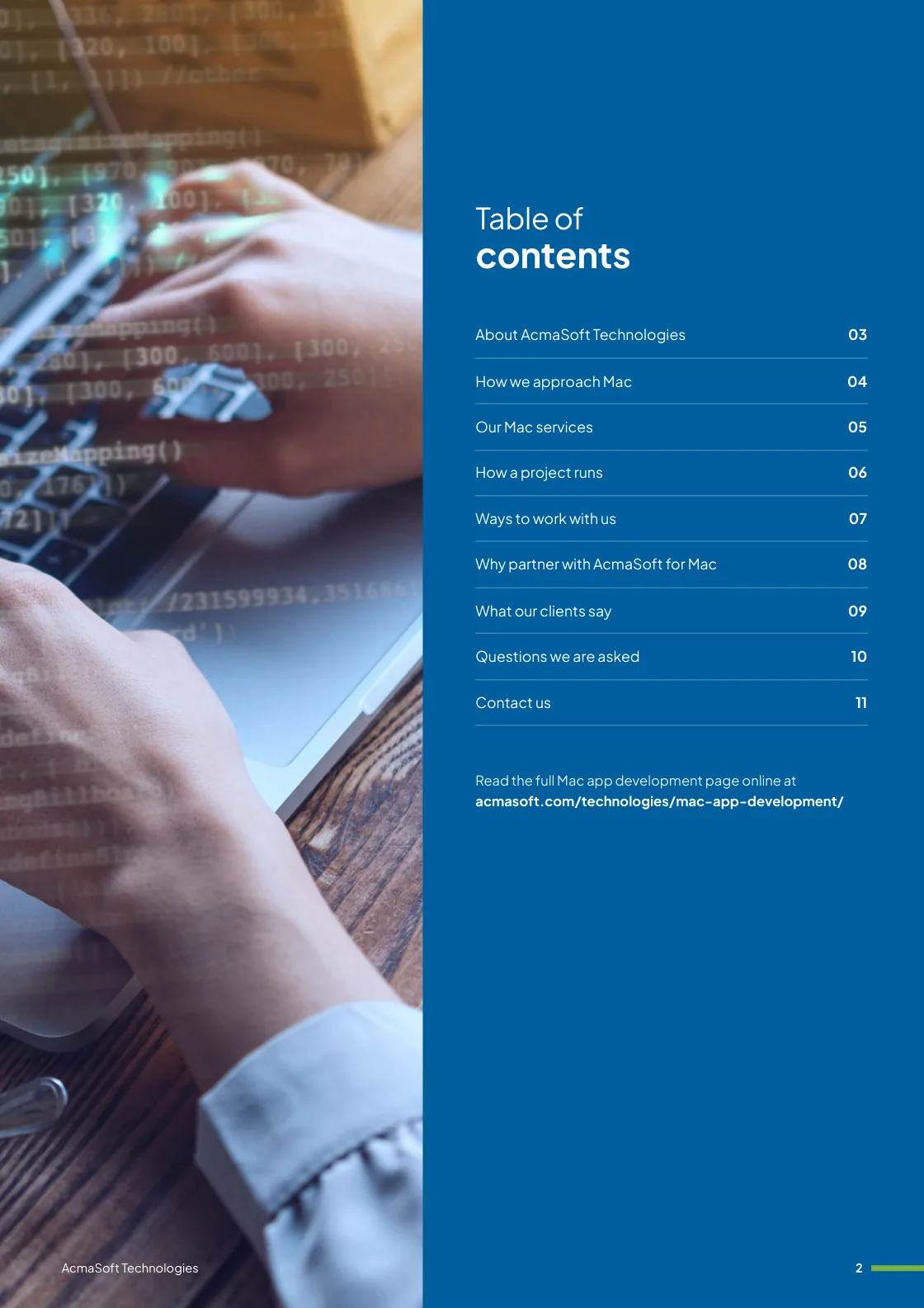
Mac app development brochure
We develop native macOS applications and Mac versions of your iPhone and iPad apps, designed for the keyboard, mouse and large screens of a Mac.
Inside this brochure
- How we approach Mac
- Our Mac services
- How a project runs
- Ways to work with us
- 3.8 MB
- 11 pages
- Technologies
You have downloaded from us before, so this one needs no form.
Get the brochure
Tell us who you are and the download starts straight away. We remember you on this device for 90 days, so you only fill this in once.
Your download has started.
If it does not start, download the brochure here. The links work for 15 minutes.
- Your reference
- Brochure
What you can do next
- Read it and share itShare the brochure with your team before you get in touch. It is free to read and share.
- Get a quote when you are readySix short questions on our request a quote page, and a reply within one business day.
Start your macOS project
Tell us what you are planning and a specialist will reply with next steps, a rough timeline and the questions we need answered.
- Emailsales@acmasoft.com
- Call+1 (707) 706 4092
- Prefer a call?
Thank you, your message is on its way.
It has reached our sales team, together with the page you sent it from.
- Your reference
- Budget
While we prepare your reply, here is the Mac app development brochure.
Download the brochure, Mac app development brochure, PDF, 3.8 MBWhat happens next
- A specialist gets in touchWithin one business day, by email or phone, with any questions about what you need.
- We talk it throughA short call about your goals, users, timeline and budget. We can sign an NDA first.
- You get a proposalScope, team, timeline and cost, with the engagement model that fits the work.