

Custom report builder development
At AcmaSoft, we develop custom report builders inside your own software, so managers and clients pick the fields, filters and charts they need, save and schedule reports and stop waiting for developers to write another export.
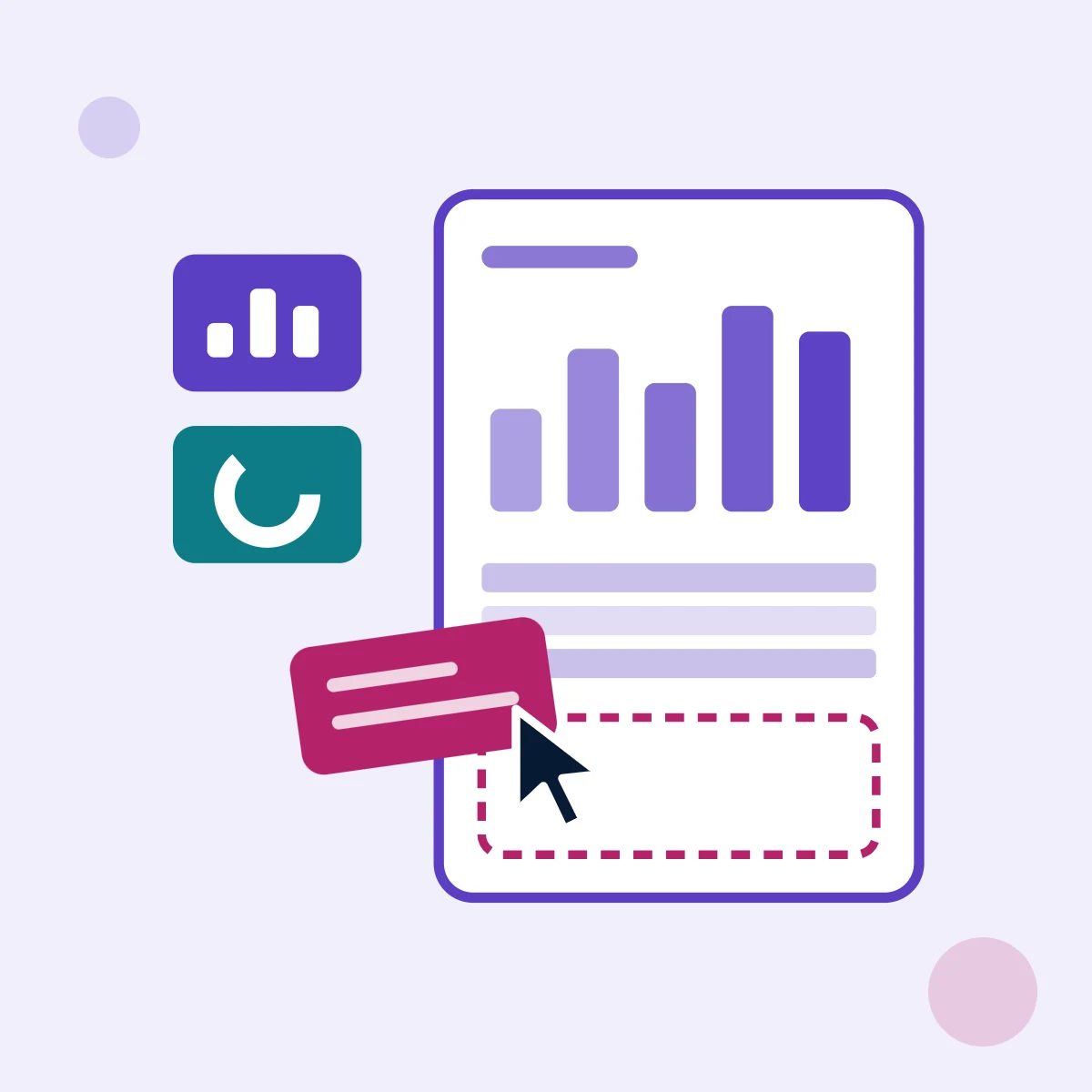
Our approach to building your report builder
In most business software the reports are fixed. Each new question becomes a request to the development team, a one-off SQL query or an Excel file that is out of date by the next morning. A report builder lets people answer their own questions from approved data, while you keep control of who sees what.
Reporting is part of much of what we build. BizCalls Analytics and AcmaPBX Stats turn call records into call volume, duration and response time reports on the phone, with recordings and call detail records shared on the move, and Collect Pro gives collection supervisors performance reports by collector and portfolio. A report builder takes the same work one step further: the users design the report.
We build the builder into your web application, portal or SaaS product, on a reporting copy of your data where volumes are large. When a ready-made tool fits better, such as Power BI or embedded dashboards, our data analytics and BI team will tell you, and we can combine both.
What you get with your report builder
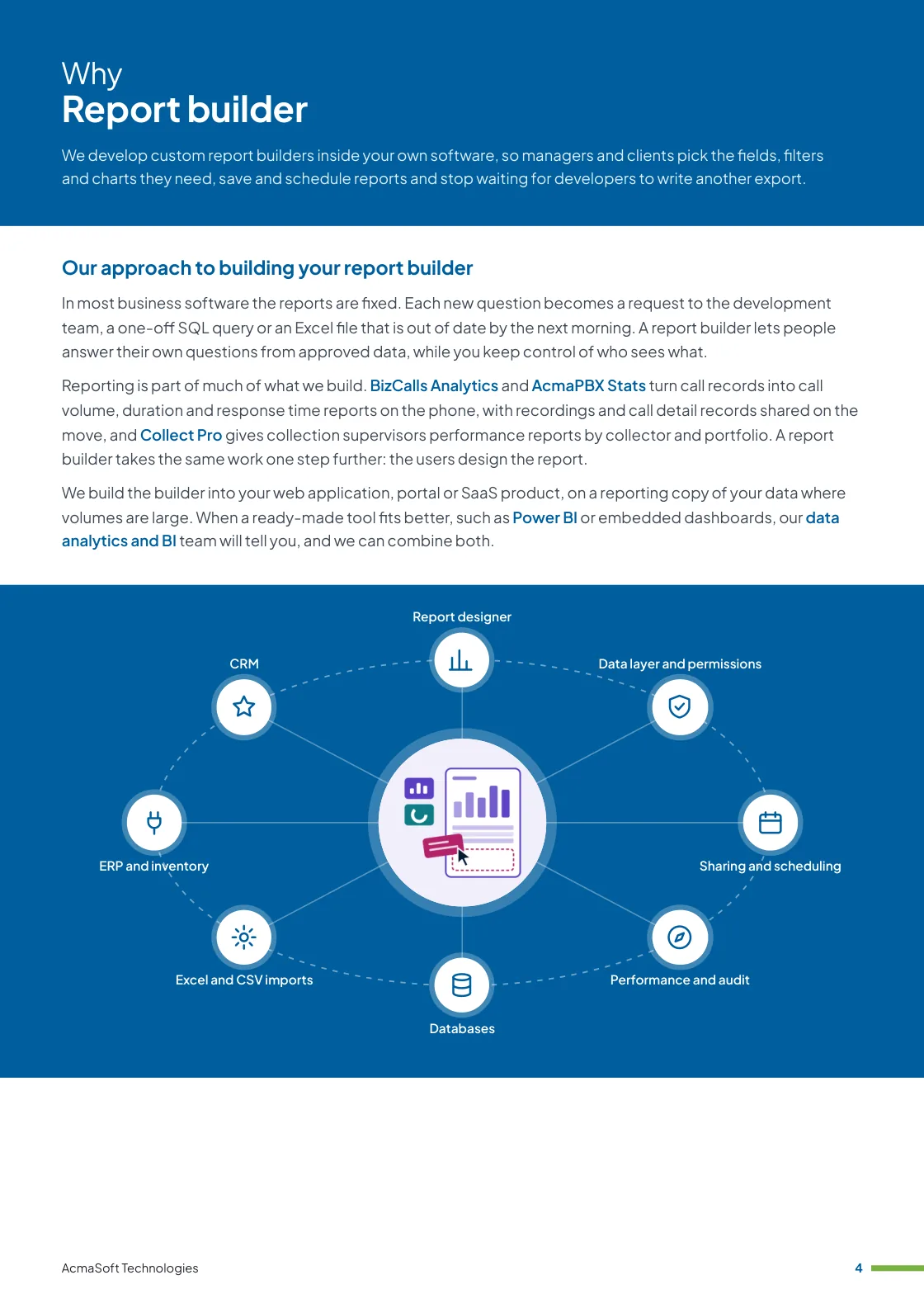
- Report designer
- Data layer and permissions
- Sharing and scheduling
- Performance and audit
- Design, development, testing and launch by one team
- Maintenance, updates and hosting after launch
Connects with
- Databases
- Excel and CSV imports
- ERP and inventory
- CRM
- Phone systems
What we build into your report builder
These are the core parts of a report builder that we design and build, as one product or in phases.
-
Report designer
Drag and drop or point and click design: choose a data set, pick columns, filters, groupings, totals and sort order, and add tables or charts, with a live preview as the report takes shape.
-
Data layer and permissions
A curated set of business fields with friendly names, joins prepared in advance and row-level rules, so each user, branch or client only ever sees their own records.
-
Sharing and scheduling
Save reports to personal or team folders, share them by link, schedule them by email as Excel, CSV or PDF and turn saved reports into dashboards.
-
Performance and audit
Query limits, caching and a separate reporting database keep the main application fast, and every report run and change is logged.
Key features of a report builder
Every user gets an experience designed for them. These are the features we build most often, and we shape the final set around your business.
- Pick fields, filters and groupings without code
- Tables, charts and totals in one report
- Save, share and schedule reports by email
- Export to Excel, CSV and PDF
- Reports that work on a phone
- Dashboards built from saved reports
- Drill down from a total to the records behind it
- Compare periods, teams and locations
- Alerts when a figure crosses a limit
- One version of each number across teams
- Approved data sources and field names
- Row-level access by role, branch or client
- Templates for common reports
- Usage and query performance logs
- Audit trail of report changes
Integrations that connect your report builder
We connect the product to the services and systems you already use, so data moves on its own and your team works in one place.
-
Databases
Reports read from MySQL, PostgreSQL, SQL Server or MongoDB, or from a reporting copy.
-
Excel and CSV imports
Allocation files and data from banks, clients or other systems loaded and checked in one step.
-
ERP and inventory
Stock, prices and orders kept in sync with your ERP.
-
CRM
Customer data in Salesforce, HubSpot or Zoho.
-
Email
Transactional and marketing emails through your email platform.
-
Phone systems
Click to call, call logs and recordings from your PBX or cloud telephony provider.
How we build it, step by step
A report builder is only as good as the data behind it, so we start with the questions people ask today and the data that answers them. These are the stages we follow.
-

Requirement gathering and analysis
We collect the reports people request most, the exports they rebuild in Excel and who may see which data.
-

Planning and system design
We design the reporting data model, permissions, caching and whether reports run on the live database or a reporting copy.
-

User experience (UX) design
We design the report designer, viewer and dashboards with the people who will build reports, not only the admins.
-

Frontend development
We build the designer, the report viewer and the charts inside your application.
-

Backend development
We build the query engine, row-level security, scheduling, exports and the audit log.
-

Database design and development
We prepare the business data sets, field names, joins and indexes so reports return quickly and add up correctly.
-

Integration development
We connect your databases, ERP, CRM, phone system or other sources, and email for scheduled reports.
-

Testing and quality assurance
We test that totals match your existing reports, that permissions hold for every role and that large reports stay fast.
-

Deployment and launch
We release the builder with ready-made templates for your common reports, train report owners and watch usage after launch.
Ways to work with us
Choose the model that fits your scope and budget for a report builder. Many clients start with one and move to another as the work grows.
-
Fixed price
A defined scope delivered for an agreed price and timeline, in milestones you approve.
- Best for
- Clear requirements, a fixed budget and a firm deadline.
- How it is priced
- One agreed price, paid in instalments tied to milestones.
-
Dedicated team
A team with a project lead that works only on your product, on the priorities you set.
- Best for
- Long-term products and roadmaps that change often.
- How it is priced
- A monthly fee per team member, based on role and seniority.
-
Time and material
You pay for the hours worked and can change the scope as you learn, in short iterations.
- Best for
- Requirements that are hard to fix up front, and ongoing improvements.
- How it is priced
- Hourly or daily rates by role, invoiced monthly against logged time.
Need full-stack developers to join your own team instead?
Hire full-stack developersIndustry we build it for
See how this product fits the industry, with the solutions, services and technologies we use there.

What our clients say
More client reviews-
AcmaSoft's agile development methods are a game-changer. The iterative approach allowed us to witness progress at every stage, ensuring our project's success.
Daniel K Chicago -
The adaptive nature of AcmaSoft's agile development is commendable. Changes are seamlessly incorporated, ensuring our project stays on track and meets our evolving needs.
Mei Ling Singapore
How we keep your report builder secure, fast and dependable
-
Security by design
Secure coding, encrypted data, role-based access and regular dependency updates keep your report builder and its users safe.
-
Performance at scale
Caching, efficient queries and cloud infrastructure sized for your busiest day, tested before launch.
-
Privacy and compliance
Consent, data retention and access rules built in from the start, in line with GDPR and local law.
-
Tested, accessible design
Journeys tested with real users, automated tests on every release and interfaces that work for everyone.
Ready to plan your report builder?
Tell us how your teams work today and the reports you are asked for, and we will recommend the features, timeline and budget that fit.
- Discovery call
- Written estimate and plan
- Build, launch and support
Related insights
All insights-
 16 Nov 2026
How to hire dedicated developers: models, vetting, contracts and costs
A buyer guide to hiring dedicated developers: choosing the engagement model, where to find developers, vetting and a…
-
 16 Nov 2026
Custom software development: process, team, costs and contracts
How a custom software project should run, from discovery to support: the team at each phase, what drives…
-
 13 Nov 2026
Outsourcing vs in-house software development: how to decide
Compare in-house and outsourced software development on control, cost, skills and risk, with a decision flow, a three-year…
Working with international clients
Our team delivers remotely, so the questions that matter are when we can talk and how the work is run. Here are our office hours beside yours.
Our office hours Monday to Saturday, 9:30 am to 6:30 pm India time (IST)
Evening hours for North American clients, by arrangement: Monday to Friday, 6:30 pm to 9:30 pm India time
| Your region | Our hours in your time | Shared working hours |
|---|---|---|
| UKLondon | 4 am to 1 pm | 9 am to 1 pm |
| Central EuropeParis, Berlin | 5 am to 2 pm | 9 am to 2 pm |
| US EastNew York, Toronto | 11 pm to 8 am (next day) Evening hours to 11 am | 9 am to 11 am In our evening hours, by arrangement |
| US WestLos Angeles, Vancouver | 8 pm to 5 am (next day) Evening hours to 8 am | No overlap Early calls 7 am to 8 am, by arrangement |
| GulfDubai, Abu Dhabi | 8 am to 5 pm | 9 am to 5 pm |
| Singapore | 12 noon to 9 pm | 12 noon to 6 pm |
| Australia EastSydney, Melbourne | 3 pm to 12 midnight | 3 pm to 6 pm |
Our day ends before yours starts, so updates are waiting each morning and we agree call times with you.
Times follow daylight saving where your region uses it, against a working day of 9 am to 6 pm. Messages sent outside our hours are picked up when the team is back.
-
Remote delivery
Discovery, design, development and testing run remotely, with one named lead, a demo of working features at the end of each sprint and a staging site you can try.
-
How we stay in touch
Email, video calls and chat such as Slack, Microsoft Teams or WhatsApp, with the hours of overlap and meeting times agreed in the communication plan at the start.
-
Contracts and invoices
Proposals, contracts and invoices are in English and priced in US dollars, or in your own currency on request. A non-disclosure agreement can be signed before you share any details.
-
Privacy laws we design for
We design forms, consent and data handling with the law of your market in mind: GDPR and UK GDPR, CCPA and CPRA, PIPEDA, the UAE PDPL, the Australian Privacy Act, Singapore's PDPA and India's DPDP Act.
Questions about report builder development
Something else on your mind? Ask us directly and a specialist will reply.
Ask a questionHow much does a report builder cost?
The main drivers are the number of data sources to connect, how flexible the builder must be (fields, filters, groupings, charts), scheduled reports and exports to Excel, CSV and PDF, and user roles that control who sees which data. Embedding it inside your existing product adds integration work. After a discovery call we send an itemised estimate with its assumptions, priced as a fixed scope or a monthly team.
How long does it take to build a report builder?
We start with the data model and the reports your users run most, then build a first version with fields, filters and tables. Charts, saved reports, schedules and exports follow in later sprints, each ending with a demo on your real data. Larger builds launch in phases so people use the tool early. Milestones and dates are agreed in the proposal.
Can you start from an existing product instead of building from scratch?
Yes. We can build from scratch, customise an open-source or SaaS product, or extend the system you already run. We recommend the route after discovery, based on your budget, timeline and how different you need to be.
Do you support the product after launch?
Yes. We offer maintenance, security updates, new features and managed hosting, so the team that built the product keeps it running and improving.
Custom report builder brochure
We develop custom report builders inside your own software, so managers and clients pick the fields, filters and charts they need, save and schedule reports and stop waiting for developers to write another export.
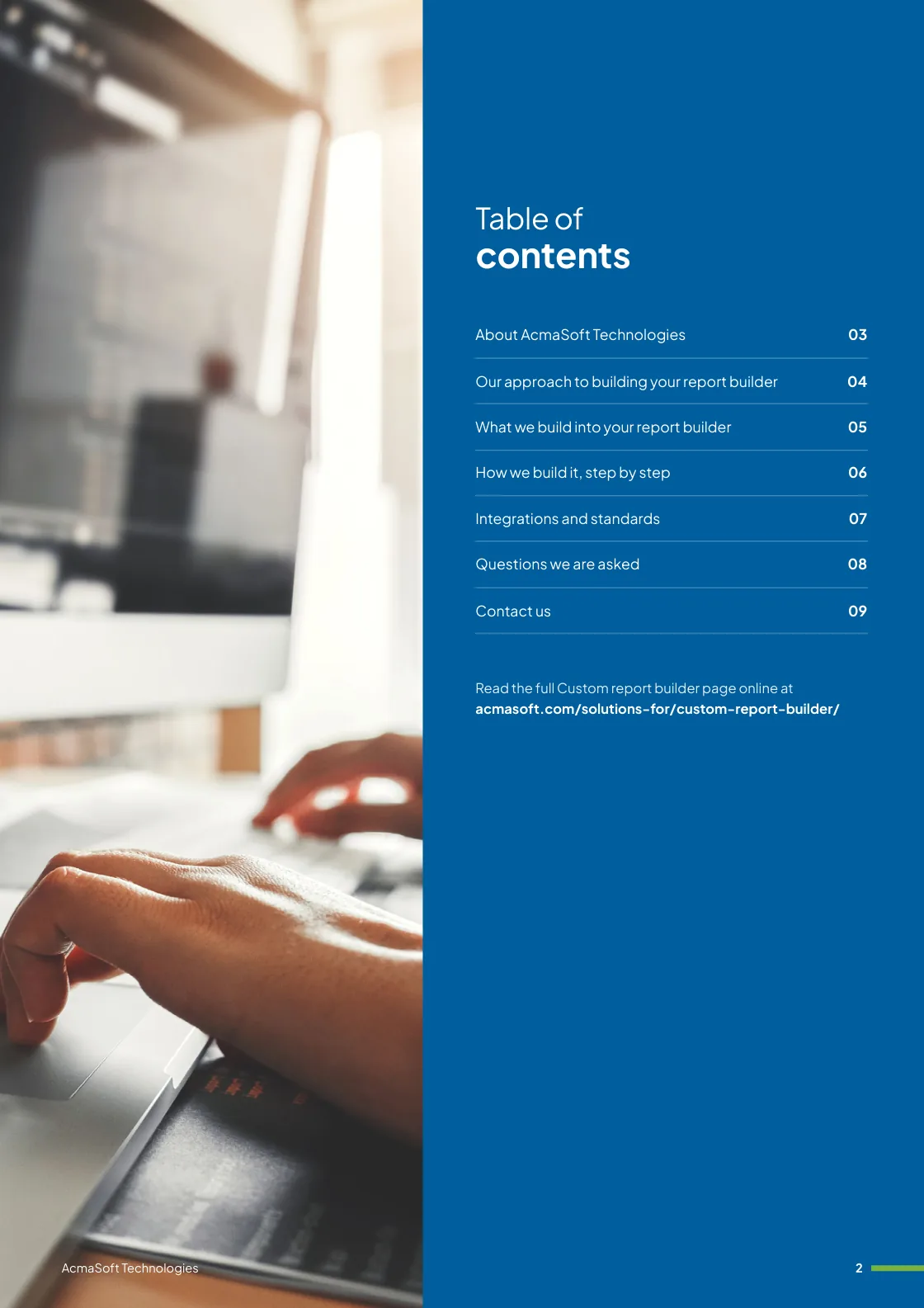
Inside this brochure
- Our approach to building your report builder
- What we build into your report builder
- How we build it, step by step
- Integrations and standards
- 2.2 MB
- 9 pages
- Solutions
You have downloaded from us before, so this one needs no form.
Get the brochure
Tell us who you are and the download starts straight away. We remember you on this device for 90 days, so you only fill this in once.
Your download has started.
If it does not start, download the brochure here. The links work for 15 minutes.
- Your reference
- Brochure
What you can do next
- Read it and share itShare the brochure with your team before you get in touch. It is free to read and share.
- Get a quote when you are readySix short questions on our request a quote page, and a reply within one business day.
Plan your report builder with us
Tell us what you are planning and a specialist will reply with next steps, a rough timeline and the questions we need answered.
- Emailsales@acmasoft.com
- Call+1 (707) 706 4092
- Prefer a call?
Thank you, your message is on its way.
It has reached our sales team, together with the page you sent it from.
- Your reference
- Budget
While we prepare your reply, here is the Custom report builder brochure.
Download the brochure, Custom report builder brochure, PDF, 2.2 MBWhat happens next
- A specialist gets in touchWithin one business day, by email or phone, with any questions about what you need.
- We talk it throughA short call about your goals, users, timeline and budget. We can sign an NDA first.
- You get a proposalScope, team, timeline and cost, with the engagement model that fits the work.