

Enterprise software development for internal tools, portals and workflow systems
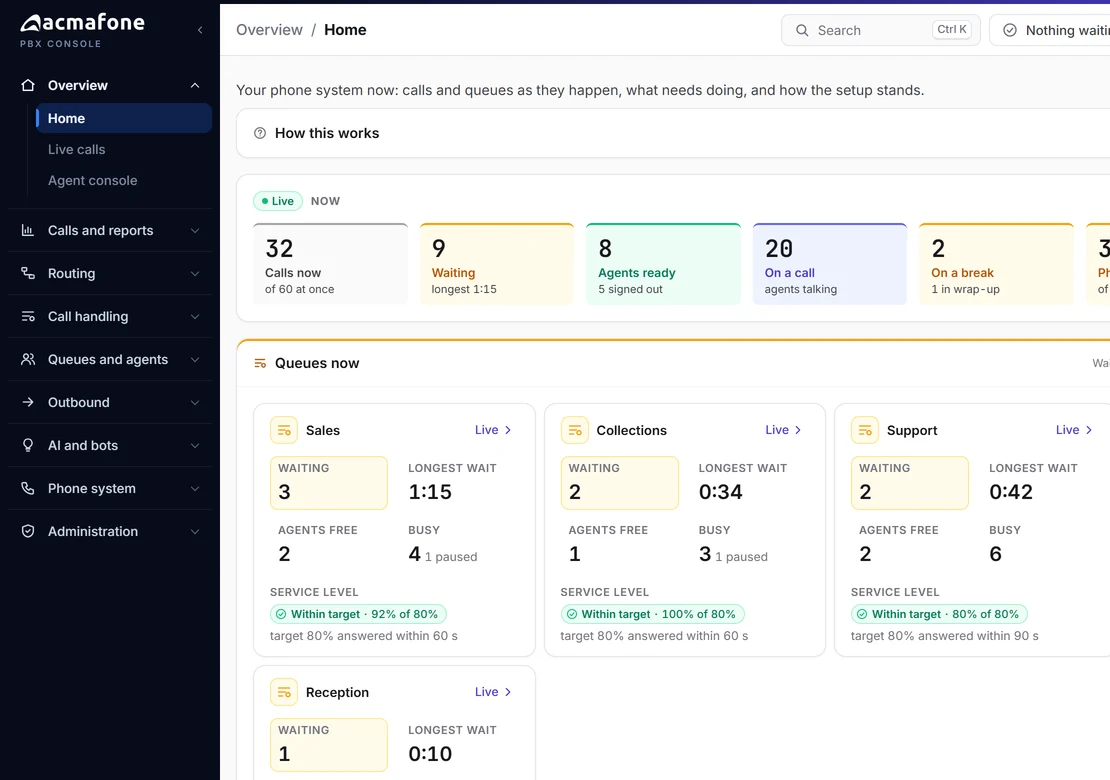
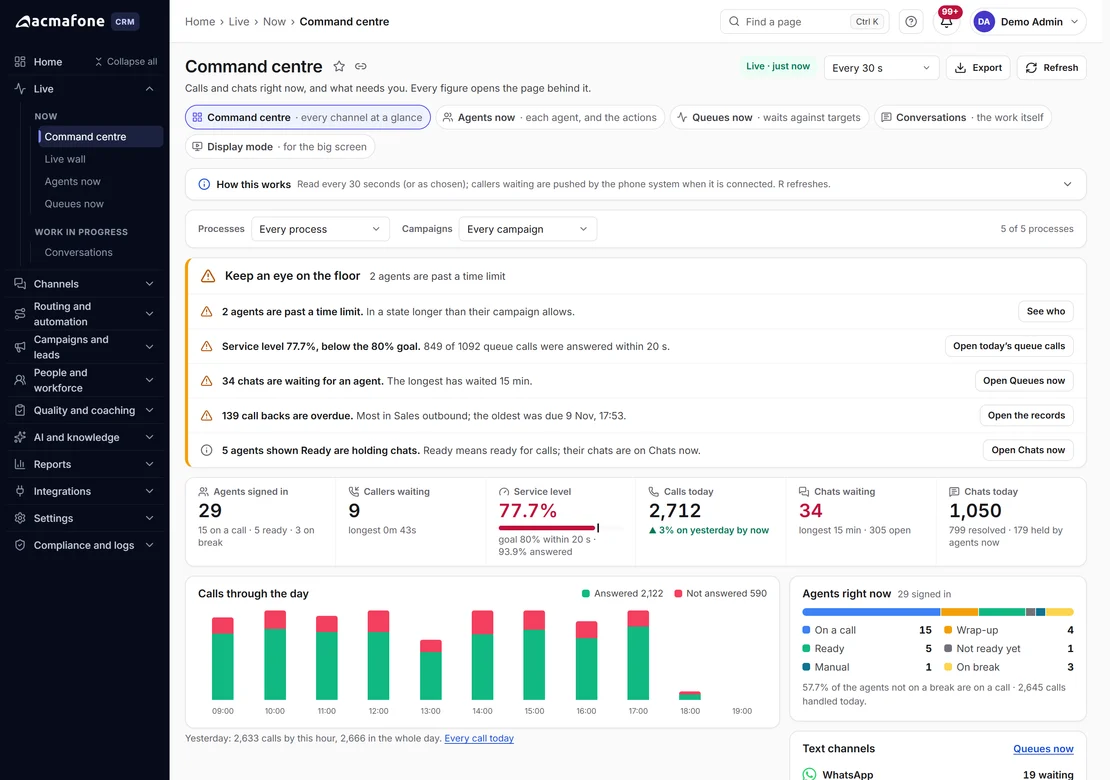
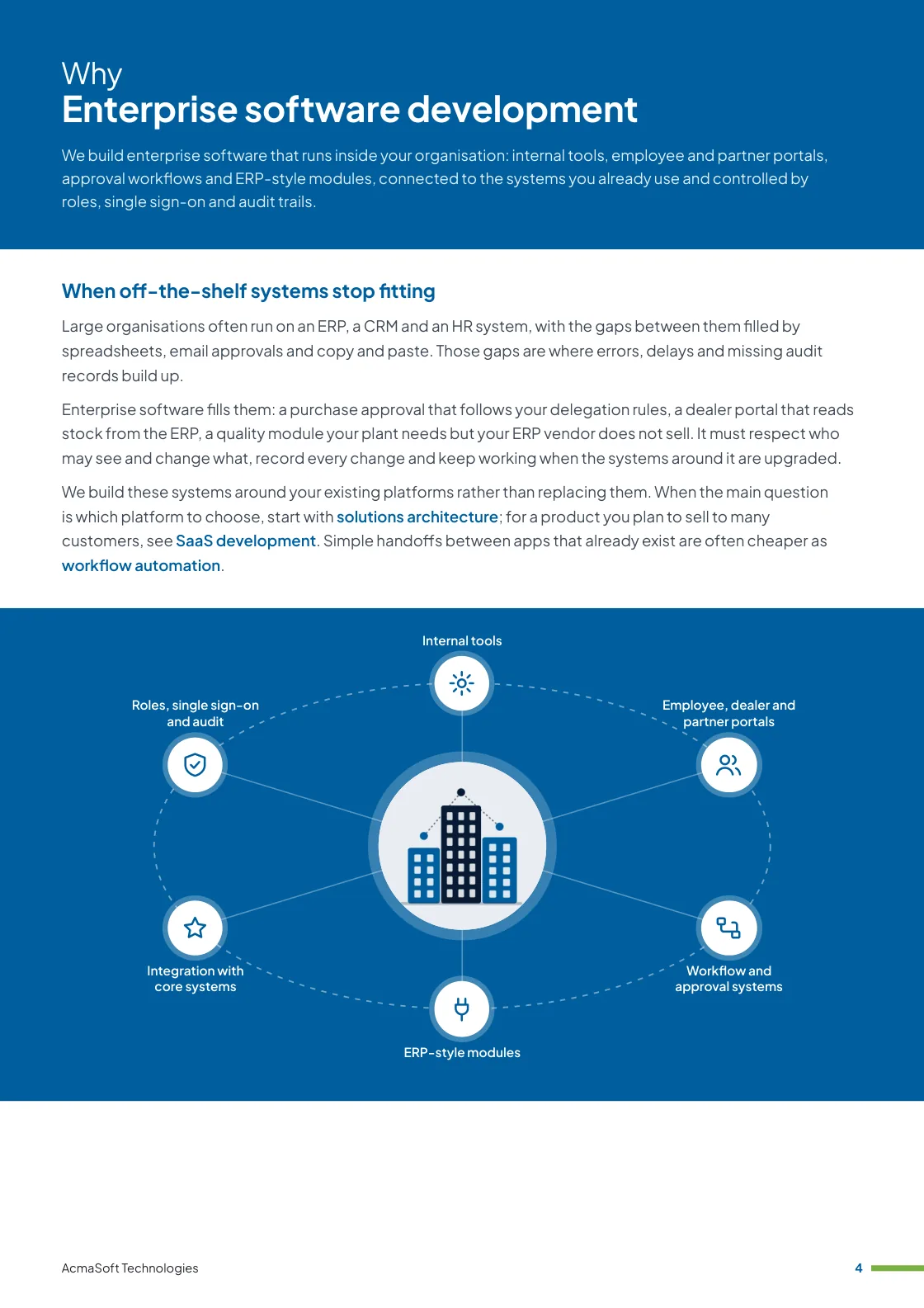
At AcmaSoft, we build enterprise software that runs inside your organisation: internal tools, employee and partner portals, approval workflows and ERP-style modules, connected to the systems you already use and controlled by roles, single sign-on and audit trails.
- Years of experience
- 17+
- Clients served
- 650+
- Projects delivered
- 2,000+
- Products shipped
- 300+
When off-the-shelf systems stop fitting
Large organisations often run on an ERP, a CRM and an HR system, with the gaps between them filled by spreadsheets, email approvals and copy and paste. Those gaps are where errors, delays and missing audit records build up.
Enterprise software fills them: a purchase approval that follows your delegation rules, a dealer portal that reads stock from the ERP, a quality module your plant needs but your ERP vendor does not sell. It must respect who may see and change what, record every change and keep working when the systems around it are upgraded.
We build these systems around your existing platforms rather than replacing them. When the main question is which platform to choose, start with solutions architecture; for a product you plan to sell to many customers, see SaaS development. Simple handoffs between apps that already exist are often cheaper as workflow automation.
What you get with enterprise software development
- Internal tools
- Employee, dealer and partner portals
- Workflow and approval systems
- ERP-style modules
- Integration with core systems
- One named lead from first call to launch
- Support and improvements after launch
More in Software and app development
Enterprise software we build
Six kinds of system, built to sit alongside your ERP, CRM and HR software and follow your internal rules.
-
Internal tools
Replacing the spreadsheet that runs a process
Data entry screens, trackers, schedulers and calculators for operations, finance or sales teams, built around the steps people actually follow.
We start from the spreadsheet or form in use today, so the first release replaces something real.
-
Employee, dealer and partner portals
One place to log in
Portals where employees, dealers, distributors or vendors check orders, submit claims, download documents and raise requests, with each user seeing only their own records.
Data is read from and written back to your core systems instead of being copied by hand.
-
Workflow and approval systems
Rules your auditors can follow
Multi-step approvals for purchases, expenses, credit limits, onboarding or change requests, with routing by amount, department or location and escalation when a step waits too long.
Every decision is stored with who made it and when.
-
ERP-style modules
What your ERP does not cover
Custom modules for areas such as quality checks, maintenance planning, field service, project costing or stock at locations your ERP does not track.
Where your ERP offers an extension framework we compare building inside it with a separate module, and recommend the option that is easier to upgrade.
-
Integration with core systems
Working with what you run
Connections to ERP, CRM, HR, accounting and document systems such as SAP, Microsoft Dynamics, Salesforce, Zoho or Tally through their APIs, database views or file exchanges.
Integration jobs log their work and retry safely, so a failed sync is visible instead of silently missing data.
-
Roles, single sign-on and audit
Access that matches your organisation
Role and permission models that follow your departments and locations, login through Microsoft Entra ID, Google Workspace or another identity provider, and audit logs for every create, change and delete.
Admins can grant and remove access without asking developers, and leavers lose access when their directory account is disabled.
What to look for in an enterprise software development partner
Internal systems live for years and touch many teams. Choose a partner who offers:
-
Process understanding
Time spent with the people who do the work, not only with sponsors, before any screen is designed.
-
Respect for your IT rules
Comfort with your security reviews, hosting standards, identity provider and change control, rather than requests for exceptions.
-
Documentation and handover
Architecture notes, admin guides and code that your internal team or another vendor can maintain.
Ways to work with us
Choose the model that fits your scope and budget for enterprise software development. Many clients start with one and move to another as the work grows.
-
Fixed price
A defined scope delivered for an agreed price and timeline, in milestones you approve.
- Best for
- Clear requirements, a fixed budget and a firm deadline.
- How it is priced
- One agreed price, paid in instalments tied to milestones.
-
Dedicated team
A team with a project lead that works only on your product, on the priorities you set.
- Best for
- Long-term products and roadmaps that change often.
- How it is priced
- A monthly fee per team member, based on role and seniority.
-
Time and material
You pay for the hours worked and can change the scope as you learn, in short iterations.
- Best for
- Requirements that are hard to fix up front, and ongoing improvements.
- How it is priced
- Hourly or daily rates by role, invoiced monthly against logged time.
Need full-stack developers to join your own team instead?
Hire full-stack developersWhat our clients say
More client reviews-
AcmaSoft delivered software solutions that streamlined our operations. Their attention to detail and commitment to quality set them apart.
Michael L Berlin -
Kudos to AcmaSoft for their innovative approach to software development. Their solutions are cutting-edge, providing a significant competitive advantage.
Aisha R Dubai
Industries our software and app development team works in
Our software and app development team builds for businesses in these industries, and we adapt enterprise software development to each one's rules, systems and customers.


Technologies we use
We choose the stack for your budget, goals and current systems. Each link explains how we work with that technology or product.
Cloud and DevOps
Not sure which technology fits your project? Ask one of our architects.
Talk to an architectWorking with international clients
Our team delivers remotely, so the questions that matter are when we can talk and how the work is run. Here are our office hours beside yours.
Our office hours Monday to Saturday, 9:30 am to 6:30 pm India time (IST)
Evening hours for North American clients, by arrangement: Monday to Friday, 6:30 pm to 9:30 pm India time
| Your region | Our hours in your time | Shared working hours |
|---|---|---|
| UKLondon | 4 am to 1 pm | 9 am to 1 pm |
| Central EuropeParis, Berlin | 5 am to 2 pm | 9 am to 2 pm |
| US EastNew York, Toronto | 11 pm to 8 am (next day) Evening hours to 11 am | 9 am to 11 am In our evening hours, by arrangement |
| US WestLos Angeles, Vancouver | 8 pm to 5 am (next day) Evening hours to 8 am | No overlap Early calls 7 am to 8 am, by arrangement |
| GulfDubai, Abu Dhabi | 8 am to 5 pm | 9 am to 5 pm |
| Singapore | 12 noon to 9 pm | 12 noon to 6 pm |
| Australia EastSydney, Melbourne | 3 pm to 12 midnight | 3 pm to 6 pm |
Our day ends before yours starts, so updates are waiting each morning and we agree call times with you.
Times follow daylight saving where your region uses it, against a working day of 9 am to 6 pm. Messages sent outside our hours are picked up when the team is back.
-
Remote delivery
Discovery, design, development and testing run remotely, with one named lead, a demo of working features at the end of each sprint and a staging site you can try.
-
How we stay in touch
Email, video calls and chat such as Slack, Microsoft Teams or WhatsApp, with the hours of overlap and meeting times agreed in the communication plan at the start.
-
Contracts and invoices
Proposals, contracts and invoices are in English and priced in US dollars, or in your own currency on request. A non-disclosure agreement can be signed before you share any details.
-
Privacy laws we design for
We design forms, consent and data handling with the law of your market in mind: GDPR and UK GDPR, CCPA and CPRA, PIPEDA, the UAE PDPL, the Australian Privacy Act, Singapore's PDPA and India's DPDP Act.
Questions about enterprise software development
Something else on your mind? Ask us directly and a specialist will reply.
Ask a questionShould we customise our ERP or build a separate application?
If the need sits close to ERP data and the vendor supports extensions that survive upgrades, building inside the ERP can make sense. If many users without ERP licences need it, or the process changes often, a separate application connected through the ERP's API is usually cheaper to run and easier to change. We compare both before recommending one.
Can staff sign in with their existing company login?
Yes. We connect to identity providers such as Microsoft Entra ID, Google Workspace or Okta through SAML or OpenID Connect, so staff use their work account and lose access when that account is disabled.
Can the system run on our own servers or cloud account?
Yes. We deploy to your data centre, private cloud or your own AWS, Azure or Google Cloud account, follow your security and change control procedures and document the setup so your IT team can run it.
How do you handle confidential company data during development?
We work under a confidentiality agreement, test with masked or anonymised copies of production data where possible and limit production access to named people you approve.
Can you work alongside our internal IT team?
Yes. We can build the whole system, build some parts while your developers build others, or add specific skills to your team, with shared code reviews and documentation in every case.
Related insights
All insights-
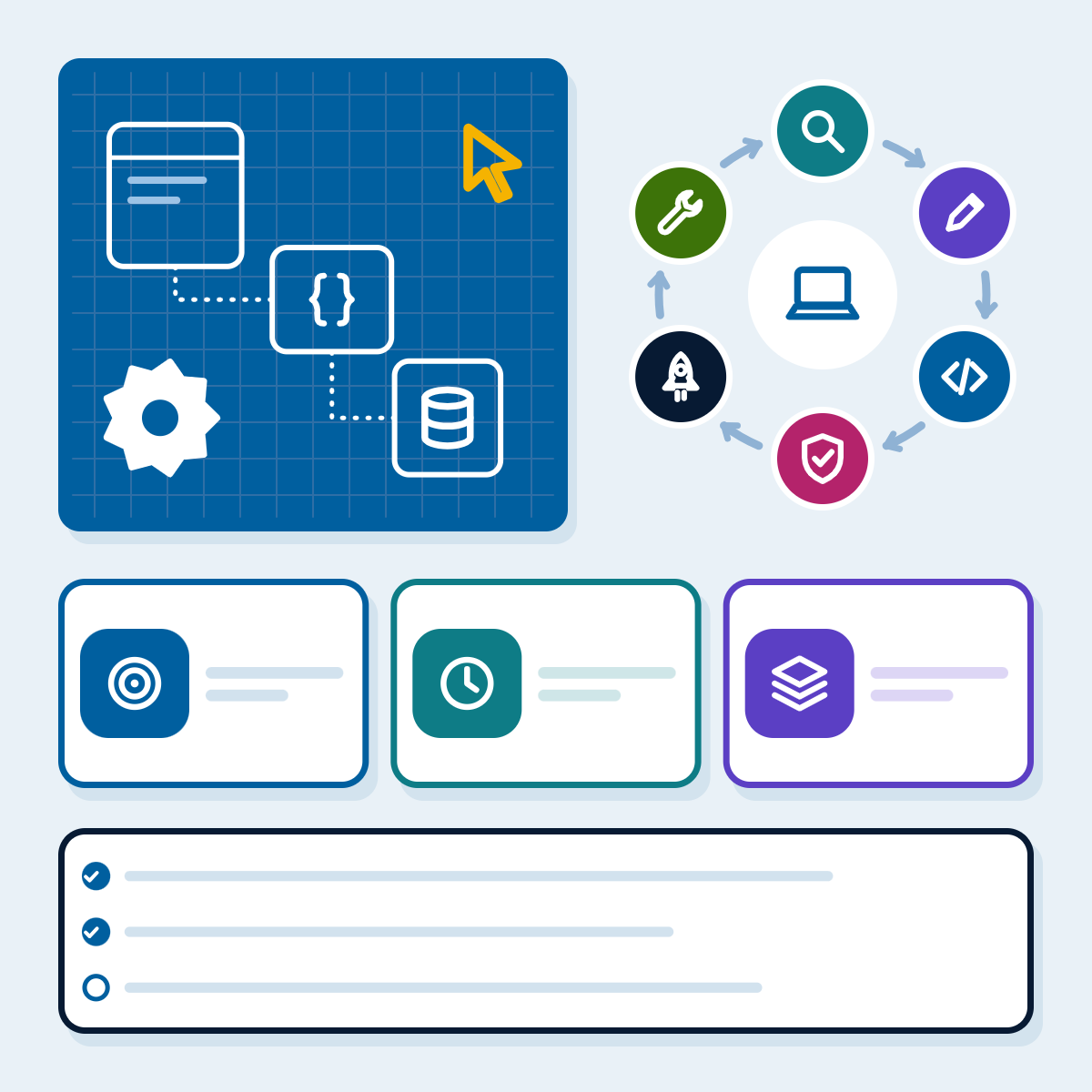 16 Nov 2026
Custom software development: process, team, costs and contracts
How a custom software project should run, from discovery to support: the team at each phase, what drives the cost,…
-
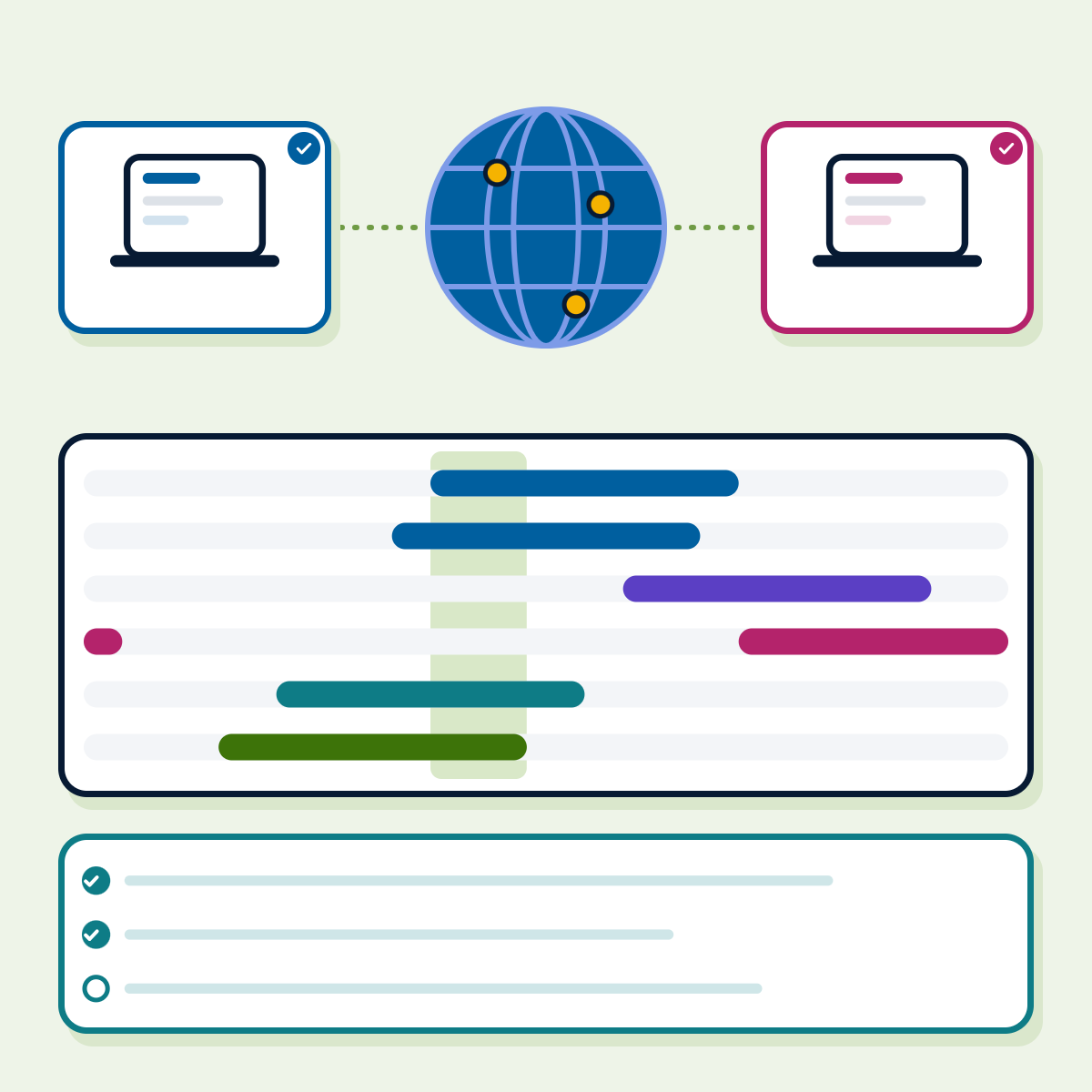 16 Nov 2026
How to hire dedicated developers: models, vetting, contracts and costs
A buyer guide to hiring dedicated developers: choosing the engagement model, where to find developers, vetting and a scorecard, contract…
-
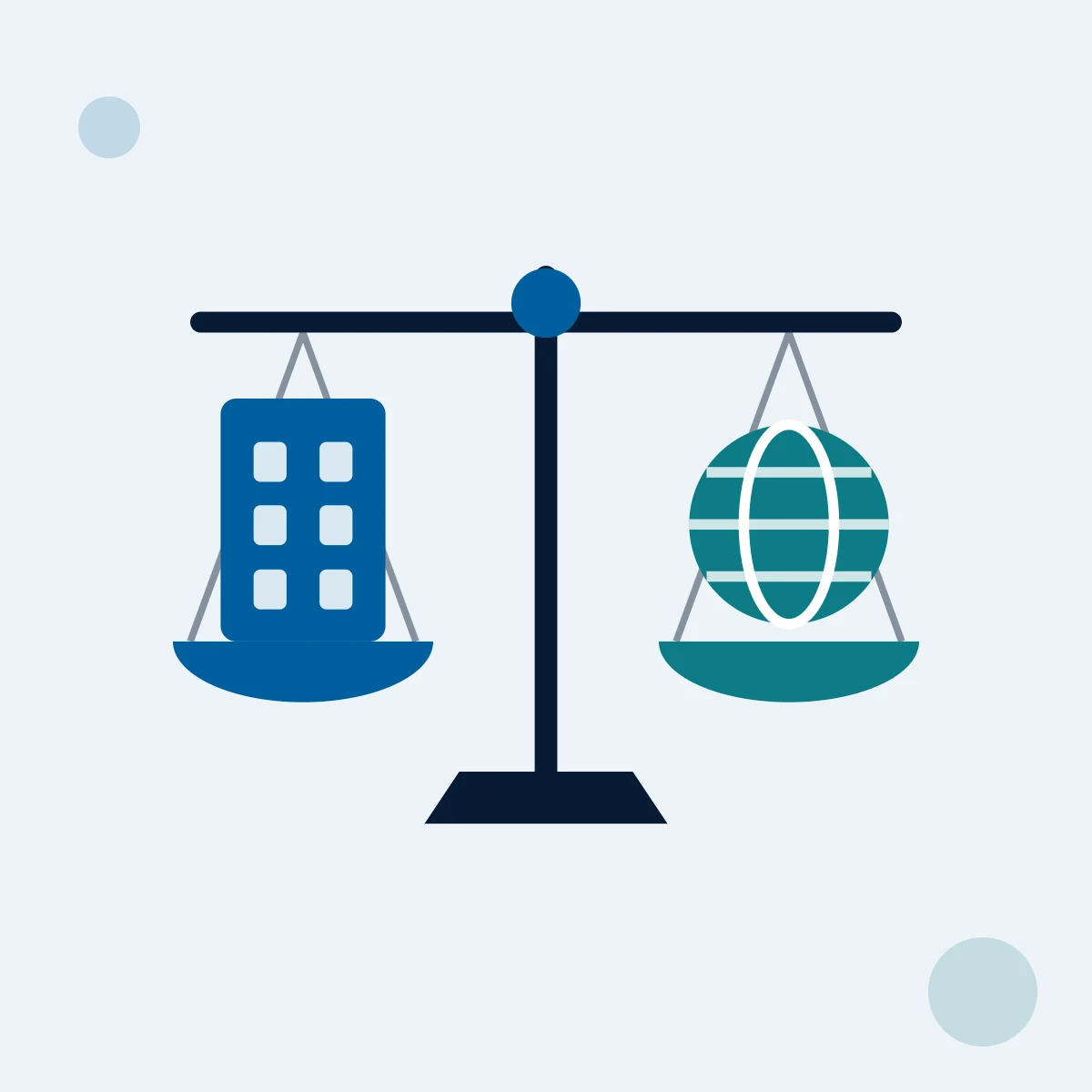 13 Nov 2026
Outsourcing vs in-house software development: how to decide
Compare in-house and outsourced software development on control, cost, skills and risk, with a decision flow, a three-year cost structure…
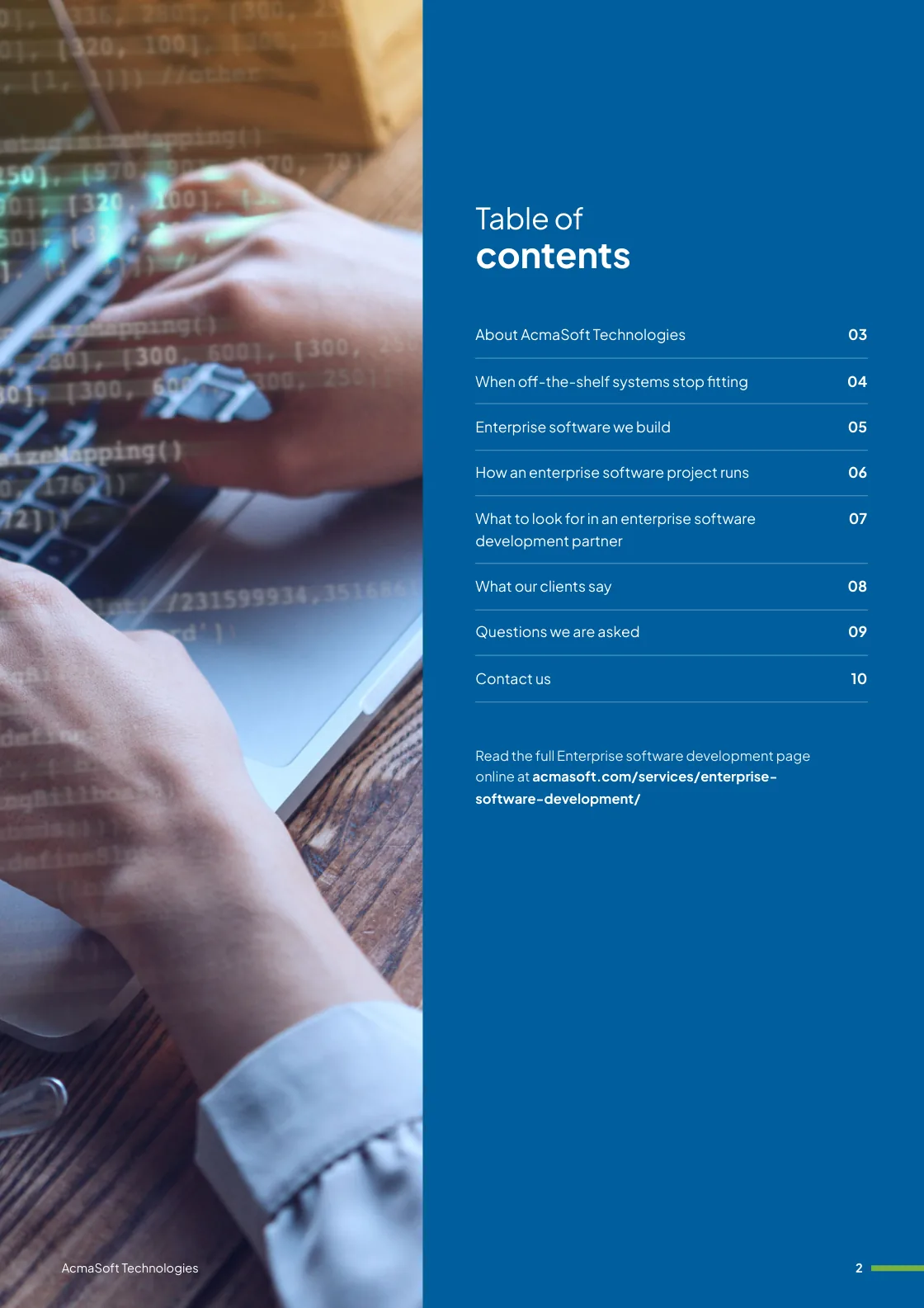
Enterprise software development brochure
We build enterprise software that runs inside your organisation: internal tools, employee and partner portals, approval workflows and ERP-style modules, connected to the systems you already use and controlled by roles, single sign-on and audit trails.
Inside this brochure
- When off-the-shelf systems stop fitting
- Enterprise software we build
- How an enterprise software project runs
- Technologies and solutions
- 2.8 MB
- 10 pages
- Services
You have downloaded from us before, so this one needs no form.
Get the brochure
Tell us who you are and the download starts straight away. We remember you on this device for 90 days, so you only fill this in once.
Your download has started.
If it does not start, download the brochure here. The links work for 15 minutes.
- Your reference
- Brochure
What you can do next
- Read it and share itShare the brochure with your team before you get in touch. It is free to read and share.
- Get a quote when you are readySix short questions on our request a quote page, and a reply within one business day.
Start your Enterprise software development project
Tell us what you are planning and a specialist will reply with next steps, a rough timeline and the questions we need answered.
- Emailsales@acmasoft.com
- Call+1 (707) 706 4092
- Prefer a call?
Thank you, your message is on its way.
It has reached our sales team, together with the page you sent it from.
- Your reference
- Budget
While we prepare your reply, here is the Enterprise software development brochure.
Download the brochure, Enterprise software development brochure, PDF, 2.8 MBWhat happens next
- A specialist gets in touchWithin one business day, by email or phone, with any questions about what you need.
- We talk it throughA short call about your goals, users, timeline and budget. We can sign an NDA first.
- You get a proposalScope, team, timeline and cost, with the engagement model that fits the work.