How to choose between two native apps and one cross-platform code base, by device features, users, budget, team skills and maintenance, with a decision tree, pros and cons and when a web app is enough.
Every mobile app project reaches the same fork early: build two native apps, one in Swift for iPhone and one in Kotlin for Android, or build one app with a cross-platform framework such as Flutter or React Native and ship it to both stores. The choice shapes the budget, the team you hire, how fast you can release and how much work every future update takes.
There is no universal winner. Cross-platform is the sensible default for most business apps today, and native is still the right call for a specific set of products. This comparison sets out the criteria we use with clients to decide, from device features and performance to team skills and long-term maintenance. It is part of our guide to how much it costs to build an app, where the platform decision is the first driver of the estimate.
Key takeaways
- Native means one code base per platform (Swift or SwiftUI for iOS, Kotlin for Android); cross-platform means one shared code base, usually Flutter (Dart) or React Native (JavaScript or TypeScript).
- Cross-platform suits most business, booking, field and content apps: one team, one release cycle and lower maintenance, with native code where a device feature needs it.
- Native is worth its higher cost when the app lives on the newest platform features, heavy graphics or audio, watch and widget extensions, or tight battery and performance budgets.
- Both cross-platform frameworks can call native code, so the real question is how much of your app would need it.
- Decide by device features, team, budget and lifespan, then check the choice with a small prototype of the riskiest feature.
What native and cross-platform mean today
A native app is written with the platform owner’s own language and tools. For Apple devices that means Swift, usually with SwiftUI, which Apple describes as a way to “build great-looking apps across all Apple platforms with the power of Swift” (Apple Developer, SwiftUI, checked 13 Nov 2026). For Android it means Kotlin: Google announced in 2019 that Android development would be “increasingly Kotlin-first”, and its newest tools, including Jetpack Compose, are built for Kotlin users (Android Developers, Kotlin-first, checked 13 Nov 2026). Two native apps mean two code bases, two test suites and two release pipelines.
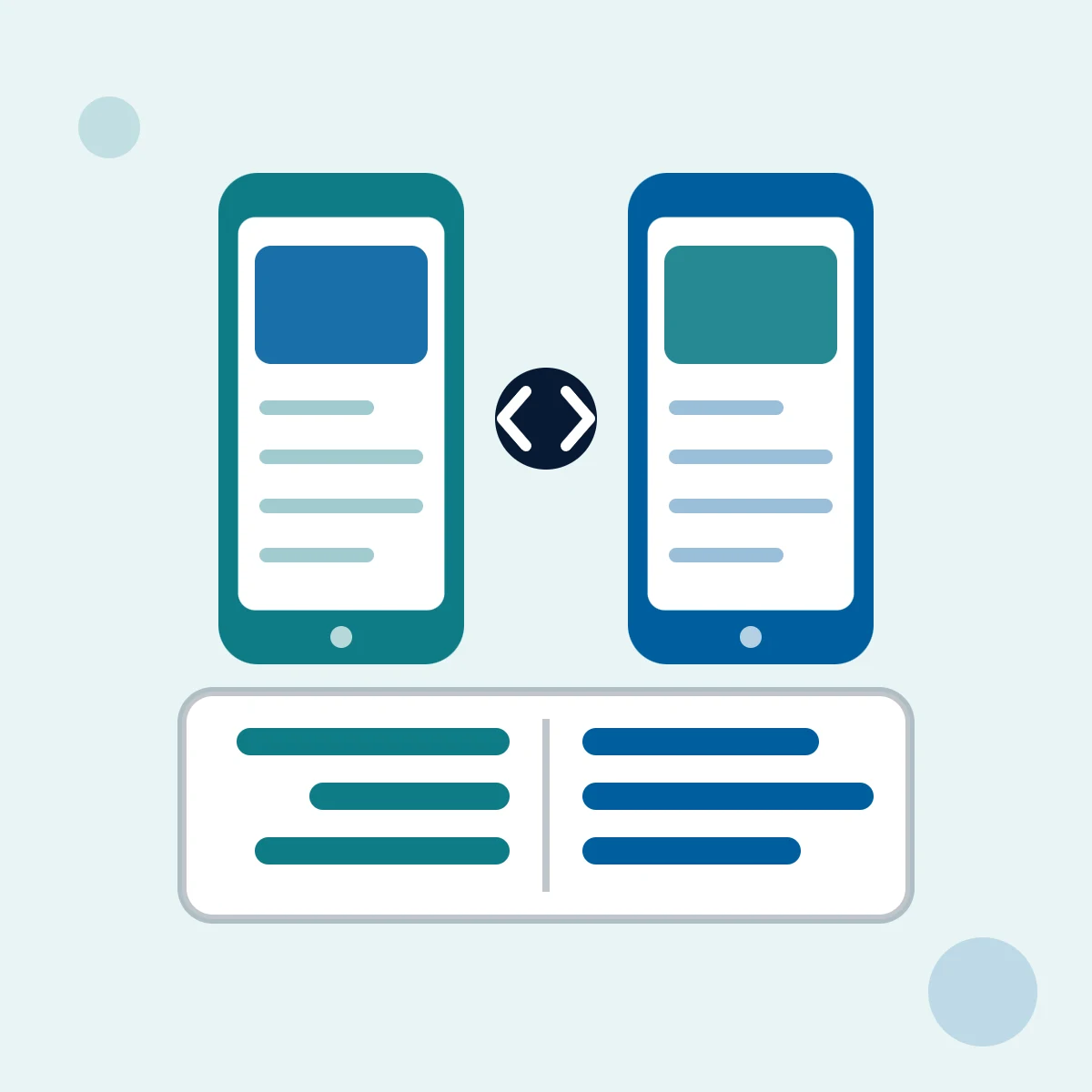
A cross-platform app shares most of its code across iOS and Android. The two frameworks most buyers compare work differently:
- Flutter, from Google, uses the Dart language and draws its own interface. The documentation describes building “multiplatform apps from a single codebase”, with platform targets for Android, iOS, web, Windows, macOS and Linux (Flutter documentation, version 3.50 on 13 Nov 2026).
- React Native, from Meta, uses JavaScript or TypeScript with React. Its components “map directly to the platform’s native UI building blocks”, so the app uses the same platform interface elements as a native app (reactnative.dev, checked 13 Nov 2026). The project recommends starting new apps with a framework such as Expo.
Other options exist. Microsoft’s Xamarin reached end of support on 1 May 2024, and Xamarin.Forms projects are expected to move to .NET MAUI (.NET support policy, checked 13 Nov 2026). If you have a Xamarin app in production, that migration is already overdue. A progressive web app, a website that installs to the home screen, is a third route for simple tools, covered below.
Side-by-side comparison
| Criterion | Native (Swift, Kotlin) | Flutter | React Native |
|---|---|---|---|
| Code bases for iOS and Android | Two | One, plus native modules where needed | One, plus native modules where needed |
| Language | Swift; Kotlin | Dart | JavaScript or TypeScript |
| Interface | Platform components | Flutter's own widgets, styled per platform where you choose | Platform components through React |
| Access to new OS features on day one | Yes | Partly | Partly |
| Calling native code | Not needed | Platform channels or Pigeon | Native modules |
| Web app from the same code | No | Partly | Partly |
| Team you need | iOS and Android specialists | Flutter developers, with native help for some features | React developers, with native help for some features |
| Typical maintenance effort | Highest | Lower | Lower |
Source: Apple Developer (SwiftUI); Android Developers (Kotlin-first); Flutter documentation (platform channels, version 3.50); reactnative.dev. Assessments are AcmaSoft's, from building both kinds of app. Checked 13 Nov 2026.
The “partial” for new OS features matters more than it looks. When Apple or Google ships a new capability, native developers can use it as soon as the SDK is out. Cross-platform developers either wait for the framework or a plugin to support it, or write the native part themselves and connect it. For most business apps this gap is irrelevant; for an app whose selling point is the newest platform feature, it is the deciding factor.
Want a second opinion on your plans?
Tell us what you are working on. A specialist will look at it and reply with practical next steps.
Get in touchThe criteria that decide it
These are the questions we work through in discovery. They update the platform checklist from an older article on our blog, keeping what still holds and dropping what no longer does.
1. Device features and performance
List every hardware and system feature the app needs: camera, location, Bluetooth, NFC, background tasks, push notifications, health data, widgets, watch apps, in-app purchases. Then mark which ones the framework covers out of the box and which need native code.
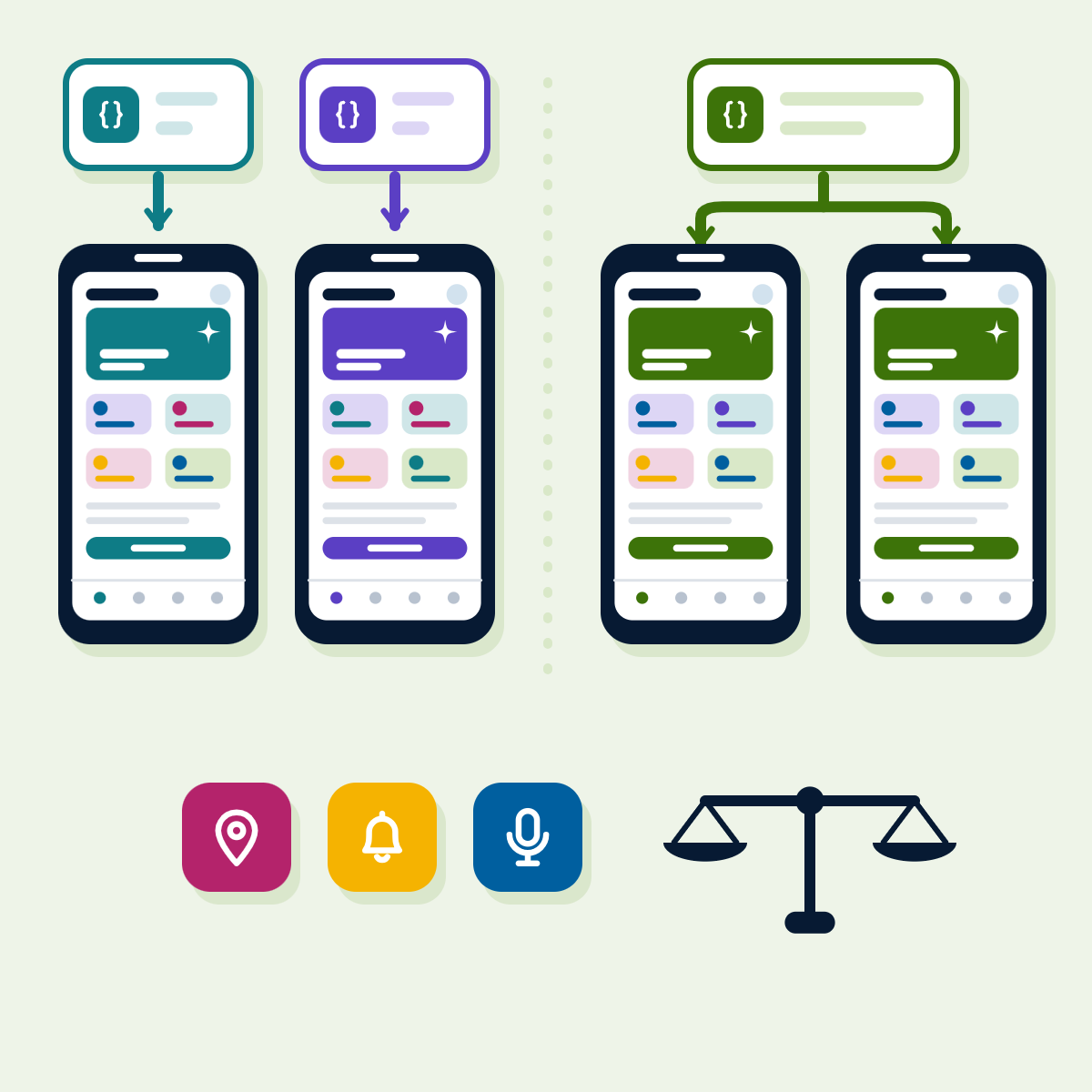
Both frameworks can reach any platform API through native code. Flutter’s platform channels pass messages between Dart and Kotlin or Swift code, and the documentation recommends its Pigeon tool to generate type-safe bindings for new projects (checked 13 Nov 2026). React Native has native modules for the same job. So “can it access the Bluetooth stack?” is the wrong question. The right one is “how much of the app will be native code anyway?” If the answer is half, two native apps may be simpler than one cross-platform app with large native modules on each side.
Performance follows the same logic. Forms, lists, maps, payments and dashboards run smoothly in either framework. Real-time audio processing, augmented reality, 3D graphics, long-running background work and strict battery budgets are where native earns its cost.
2. Where your users are
If your audience is almost entirely on one platform, you can build one native app first and cover the other later, or never. Mobile operating system share differs sharply across markets: Android dominates in India and the UAE, while iOS leads in Canada and Australia. Our app cost breakdown charts the October 2026 StatCounter figures for our eight markets. If you sell in several of them, you almost certainly need both platforms, which strengthens the case for one shared code base.
3. Budget and time to market
One code base means one set of features to build, test and fix. For an app that must launch on both stores, cross-platform usually takes less time and money for the first release, and the gap grows with every update after it. Native costs more because most work happens twice, even when the two teams share designs and a back end. Our article on how long app development takes covers the schedule side.
4. Team skills and hiring
The framework you choose decides who you can hire to maintain the app for years. The Stack Overflow Developer Survey 2026 gives a sense of the size of each skill pool: of 14,099 respondents who answered the languages question, these shares said they had done extensive development work in each language over the past year.
The chart does not say which framework is better. It says React Native draws on the largest pool of language skills, often from web teams who already know React, while Flutter and native teams draw on smaller, more specialised pools. If your company already has React web developers, React Native lets them share knowledge and sometimes code. If you are starting fresh, either cross-platform framework is a sound hire. Our comparison of Flutter and React Native covers that choice in detail.
5. Integration with your systems
The app is rarely the hard part. The back end, the APIs and the integrations with your CRM, ERP, payment provider or phone system usually take as much effort as the screens, and they are the same whichever way you build the client. Where an integration needs an on-device SDK, check that the vendor supports your chosen framework, or plan a native wrapper for it.
6. Lifespan, scale and maintenance
An app is not finished at launch. Each year Apple and Google release new OS versions, deprecate APIs and tighten store rules, and every release needs testing on both platforms. With two native apps, every change, bug fix and new feature is built twice. With a cross-platform app, it is built once, and the framework’s own updates become one more dependency to keep current. Over five years, maintenance usually costs more than the first build, so weigh the long-term team, not only the launch.
7. Store rules
Whatever you build must pass store review. Apple’s guideline 4.2 says an app “should include features, content, and UI that elevate it beyond a repackaged website”, and guideline 4.2.2 adds that apps shouldn’t primarily be “marketing materials, advertisements, web clippings, content aggregators, or a collection of links” (App Store Review Guidelines, checked 13 Nov 2026). This rules out thin wrappers around a website on any framework.
A decision tree
Native or cross-platform for this app?
Question 1: Do you need the app on both iOS and Android?
Question 2: Is the single platform's newest OS feature central to the product?
- YesNative for that platform
- NoNative for that platform, or cross-platform if a second platform may follow
Question 3: Is most of the app heavy graphics, audio, AR or long-running background work?
- YesNative, two apps
- NoGo to question 4
Question 4: Would more than about half the app be platform-specific code?
- YesNative, two apps
- NoGo to question 5
Question 5: Does your team already work in React and TypeScript?
- YesReact Native
- NoGo to question 6
Question 6: Do you want pixel-identical screens on both platforms, or web and desktop from the same code?
- YesFlutter
- NoFlutter or React Native; prototype the riskiest feature in both
Pros and cons
Native strengths
- Immediate access to every new platform feature and API
- Best fit for graphics, audio, AR and tight battery budgets
- Interfaces follow each platform's conventions by default
- No framework layer to update or wait on
Native drawbacks
- Two code bases, two test suites and two release pipelines
- Every feature and fix is built twice
- Needs separate iOS and Android specialists for the life of the app
- Features drift apart between platforms unless managed closely
Cross-platform strengths
- One code base and one team for both stores
- Faster first release and lower maintenance for most apps
- Features and fixes reach both platforms together
- React Native draws on web and React skills; Flutter can also target web and desktop
Cross-platform drawbacks
- New OS features may need native code or wait for plugin support
- Native modules still need iOS and Android knowledge
- The framework itself is a dependency with its own upgrade cycle
- Heavy graphics and real-time media are harder to optimise
When a progressive web app is enough
Some apps do not need a store at all. An internal tool, a booking form or a content site that people open now and then can run as a progressive web app: one web code base that works in any browser and can be added to the home screen. You avoid store review and installs, and every update is live at once. The trade-offs are weaker access to device features and background tasks, and lower visibility, because people look for apps in the stores. If you later need a store app, a cross-platform build can reuse the same back end and designs.
What we build and how we decide
We build all three kinds of app and choose per project. Our own phone system analytics apps are examples of products where reach on both platforms mattered: BizCalls Analytics turns call records from BizCalls PBX into call volume, duration and response time reports on iOS and Android, and Acma PBX Stats does the same for AcmaTel PBX users, with call recordings and call detail records shared on the move. In attpro CollectOS, the field visit app for Android and iOS captures photos, location and signatures offline, which shows how much of a business app is device features and sync rather than screens.
On new projects we start with the feature list from the first criterion above. Our iPhone app developers and Android app team build native apps where the product needs them, and our Flutter development and React Native development teams build shared code bases for everything else. When the choice is close, we prototype the riskiest feature first, which costs days and settles the argument with evidence. The mobile app development process guide shows where that prototype sits in the project.
Not sure which way to build your app?
- Send us your feature list and target markets. We will tell you which approach we would use and why, including when a web app would do, and what the first release would involve.
Get new guides by email
Articles and guides from our team, and company news. Unsubscribe at any time.
About AcmaSoft
AcmaSoft designs and builds websites, mobile apps and custom software, and runs SEO and digital marketing for its clients.
- Years of experience
- 17+
- Clients served
- 650+
- Projects delivered
- 2,000+
- Products shipped
- 300+