Practical AI use cases for support, sales, finance, HR, operations and IT, with examples from AI products we build and run ourselves, an industry table linking to deeper guides, and a simple method for choosing your first project.
Most businesses no longer ask whether AI is useful. They ask where to start, which ideas are realistic and which will quietly stall after a promising demo. The honest answer is that AI works best on specific, repeated tasks with clear inputs and a way to check the output, and poorly as a vague instruction to “add AI” everywhere.
This guide collects practical AI use cases for business, grouped by department and then by industry, with examples from products we have built and run ourselves. For each one we say what the AI actually does, what it needs and where people stay in charge. Once you have a shortlist, our AI adoption roadmap covers how to take the first use case from pilot to production.
Key takeaways
- Good AI use cases are frequent, repetitive tasks with available data, a checkable result, a tolerable cost of error and an owner.
- Customer service, sales follow-up, collections, document handling and quality review are where AI most often pays off first.
- Use plain automation for fixed steps on structured data; use AI where the input is messy text, speech or images, or judgement is needed.
- Hiring, credit and health decisions carry legal weight in many markets, so keep a person accountable and check the rules before you start.
- Start with one narrow use case, measure the baseline, and scale only what the numbers support.
What makes a good AI use case
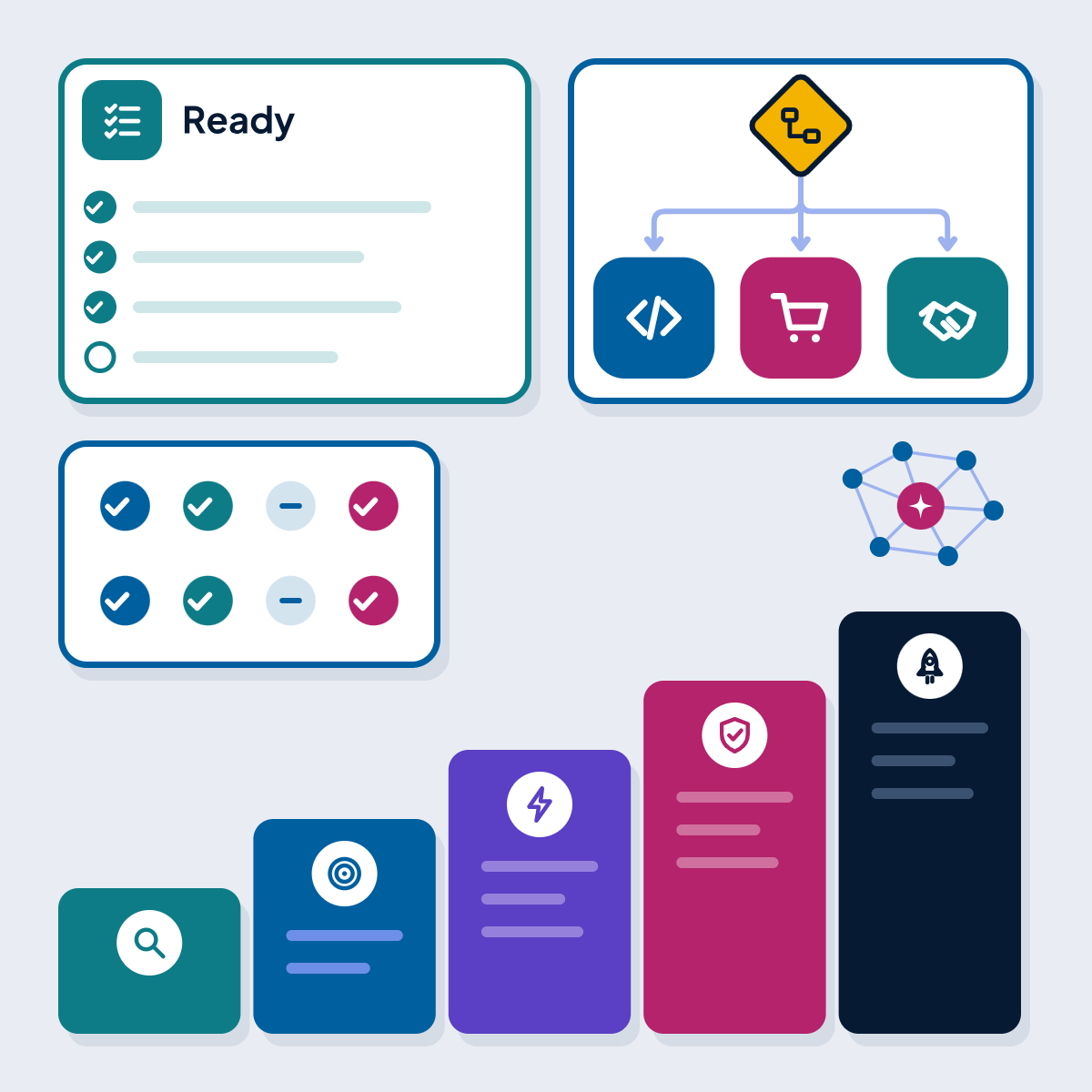
Before the examples, it helps to know what separates a use case that ships from one that stalls. Score each idea against these tests.
Signs of a strong AI use case
- The task happens often: dozens or hundreds of times a week
- The data exists: past tickets, documents, call recordings, product or transaction history
- The result can be checked, automatically or by a quick human review
- A wrong answer is cheap to catch and fix, or a person approves before it counts
- The steps cannot simply be written as fixed rules (if they can, plain automation is cheaper)
- One team owns the change and will measure and improve it after launch
If an idea fails two or more of these tests, it is usually better to fix the process or the data first.
AI use cases by department
The table below shows the use cases we see most often, the approach that usually works, and where we have built the same pattern in our own products. Where we have no public example, we say so.
| Department | Use case | Typical approach | Example from our products |
|---|---|---|---|
| Customer service | Answer routine questions on chat, WhatsApp and email | Chatbot or AI agent with retrieval from the knowledge base and handover to a person | Acmafone CRM: AI agents set up next to queues and campaigns in one workspace with human agents |
| Customer service | Help human agents reply faster | Copilot that suggests replies and finds answers | Acmafone CRM: a copilot panel that suggests replies and finds answers in the knowledge base |
| Sales | Call back new leads and book a meeting or visit | AI voice agent with a script, calendar tool and handover | AI Call Studio: a demo agent calls back property leads and books a site visit |
| Sales and marketing | Follow-up across calls and messages | Campaigns combining voice agents with WhatsApp, SMS and email | AI Call Studio: calling campaigns plus WhatsApp, SMS and email messages |
| Finance and collections | Payment reminders and promise-to-pay calls | AI voice calls inside a fixed recovery flow, with a human queue | attpro CollectOS: AI voice calls in Hindi and regional languages, handover to human agents |
| Operations | Turn a described process into a working flow | Model drafts a flow from plain English for a person to review | attpro CollectOS: an AI composer turns a recovery strategy written in plain English into a flow |
| Quality assurance | Score calls and test agents before they go live | Automated scoring and simulated conversations | AI Call Studio: call QA, scoring and simulations to test and improve agents |
| Front desk and scheduling | Book and move appointments by phone | Voice agent with a calendar tool | AI Call Studio: a healthcare demo agent books and moves clinic appointments |
| Finance | Read invoices and receipts, match them to orders | Document extraction plus business rules and an exception queue | No public example; see our document automation service |
| Human resources | Answer policy questions from the handbook | Assistant with retrieval and access rules | No public example; see our AI HR agent service |
| IT | Help desk triage and how-to answers | Classification plus an assistant with tool access | No public example |
| Management | Plain-language questions over reports | Assistant that writes or calls approved queries | No public example; see data analytics and BI |
Source: AcmaSoft product pages: Acmafone CRM, AI Call Studio and attpro CollectOS, checked 13 Nov 2026
Customer service and support
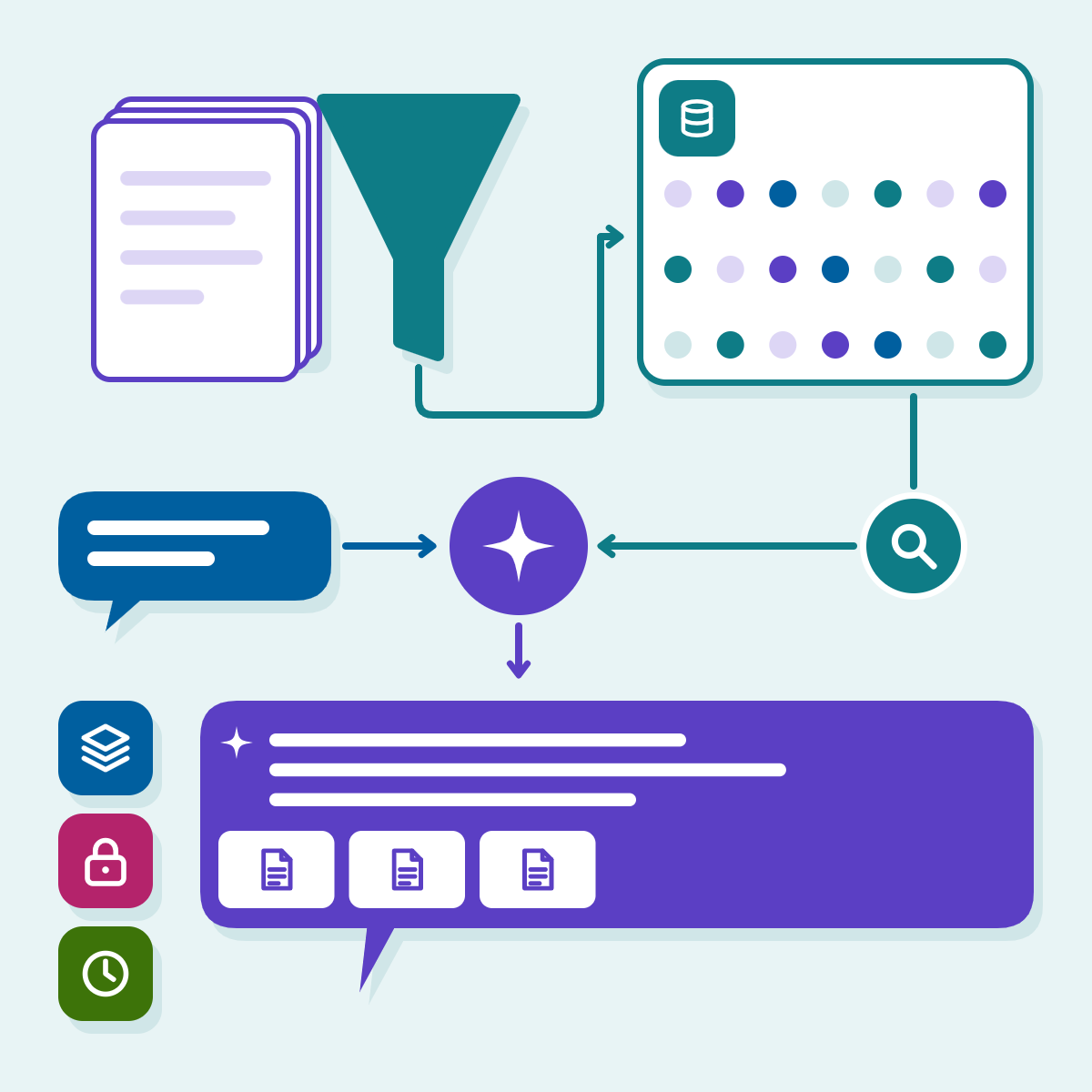
Support is usually the first place AI earns its keep, because the questions repeat and the knowledge already exists in help articles, past tickets and policies. Four patterns cover most projects: self-service assistants that answer from your own content and hand over when unsure; triage that reads incoming messages, tags the topic and urgency and routes them; agent assist that drafts replies and summarises long threads for a person to send; and conversation analysis that groups thousands of chats or calls by reason so managers see what customers struggle with.
The model that works best in contact centres, in our experience, is sharing rather than replacement. In Acmafone CRM, administrators set up AI agents alongside queues, channels and campaigns, and human agents handle calls and conversations from a console with a copilot beside them. The AI takes what it can; people see what it did and take over where it cannot. Our AI customer support agent service builds the same pattern on your channels. In the EU, the European Commission notes that people using chatbots should be made aware that they are interacting with a machine, so say so in the first message.
Sales and marketing
Speed of follow-up matters in sales, and AI makes it cheap. Voice agents call back inbound leads, ask qualifying questions and book a meeting, as the real estate demo agent in AI Call Studio does with site visits. Lead scoring ranks leads by fit and intent using your CRM history. Call and meeting summaries update the CRM with next steps. Content drafting produces first versions of product descriptions, emails and ads for a person to approve. Our AI sales agent page shows how we set this up.
Finance, accounts and collections
Invoice and receipt processing is a classic first project: extract supplier, amounts, tax and line items, match them to purchase orders and send exceptions to a person. Collections is another. In attpro CollectOS, our platform for lenders and agencies in India, AI voice calls in Hindi and regional languages sit inside a recovery flow the team designs once, alongside SMS and WhatsApp reminders, a human queue and field visits. The platform’s own code enforces conduct rules such as quiet hours, consent and do-not-call lists, and every call adds its recording, transcript and outcome to an audit trail. That split, AI for the conversation and code for the rules, is the pattern we recommend wherever money and regulation meet.
Human resources
Low-risk HR uses are an assistant that answers questions about leave, benefits and procedures from the handbook, first drafts of job descriptions and interview questions, and onboarding workflows that create accounts and schedule training. Screening and ranking candidates is a different matter. The European Commission lists AI tools for employment, including CV-sorting software for recruitment, as high-risk under the EU AI Act, and, after the AI Omnibus amendments, the high-risk obligations for these uses apply from 2 December 2027. Other markets have their own employment and discrimination laws. If you go there, keep a person accountable for every decision, test for bias and document how the system works. This is a summary, not legal advice.
Operations and supply chain
Demand forecasting uses sales history, seasonality and promotions to give planners a better starting point. Exception handling reads delayed shipment notices, checks the order system and drafts customer updates. Visual inspection flags defects on a production line for a person to confirm. Much of this combines AI with workflow automation: a model that classifies a document still needs a workflow to post it. Our guide to business process automation explains when rules, workflow tools, RPA or agents fit.
Quality and compliance
Reviewing every call or chat by hand is impossible at volume, so most teams review only a sample. AI can score every conversation against a scorecard and send the ones that need attention to a reviewer. AI Call Studio applies the same idea to the AI agents themselves, with call QA, scoring and simulations that test an agent before it talks to customers.
IT and software teams
Internal help desk assistants handle password resets, access requests and how-to questions. Coding assistants suggest code, write tests and explain unfamiliar code, with normal code review still in place. Incident summaries turn noisy alerts into a readable timeline for the engineer on call. Knowledge search across wikis and tickets helps engineers find answers.
Want a second opinion on your plans?
Tell us what you are working on. A specialist will look at it and reply with practical next steps.
Get in touchAI use cases by industry
Department examples apply almost everywhere. Each industry also has its own high-value cases, shaped by its data, customers and rules. We cover each one in depth on its own page, so the table below gives the short version and the link.
| Industry | Typical use cases | Watch out for | Read more |
|---|---|---|---|
| E-commerce and retail | Product search that understands natural language, recommendations, product descriptions, shopping assistants, demand forecasting, returns analysis | Catalogue data quality decides the result | AI in e-commerce |
| Healthcare | Appointment booking, summaries of clinical notes for clinicians to check, triage of patient messages, data extraction from referrals | Clinical oversight and health data law in every market | AI in healthcare |
| Banking, finance and insurance | Onboarding document checks, claims intake, fraud and anomaly detection, collections calls, analyst support | Explainable decisions and audit trails; credit uses can be high-risk under the EU AI Act | AI in finance |
| Manufacturing | Visual quality inspection, predictive maintenance, technician assistants over manuals and history, planning support | Sensor and maintenance data must be reliable | AI in manufacturing |
| Transport and logistics | Route and load planning, delivery estimates, shipping document processing, delay updates to customers | Live data from many systems | AI in transport and logistics |
| Education | Course assistants over course material, feedback on practice work, content drafting, spotting learners who fall behind | Student data protection and academic integrity | AI in education |
| Real estate | Lead call-backs and site-visit booking, listing descriptions, tenant questions, lease term extraction | Accuracy of property details in every reply | AI in real estate |
| Travel and hospitality | Booking assistants, itinerary changes, multilingual guest messaging, review analysis | Live availability and prices must come from booking systems, not the model | AI in travel |
Source: AcmaSoft industry pages, checked 13 Nov 2026
Chatbot, agent, generative AI or automation?
Many of the use cases above can be built in more than one way:
- Chatbots and assistants answer questions in a conversation. They suit support, HR and internal knowledge.
- AI agents plan steps and use tools such as your CRM, order system or calendar to complete a task, with limits on what they may do alone. Our guide to AI agents for business covers how they work and what they cost, and our AI agent development team builds them.
- Generative AI features create or transform content inside an existing product or workflow: drafts, summaries, translations.
- Workflow automation and RPA run fixed steps reliably and cheaply. They are often the backbone that AI plugs into.
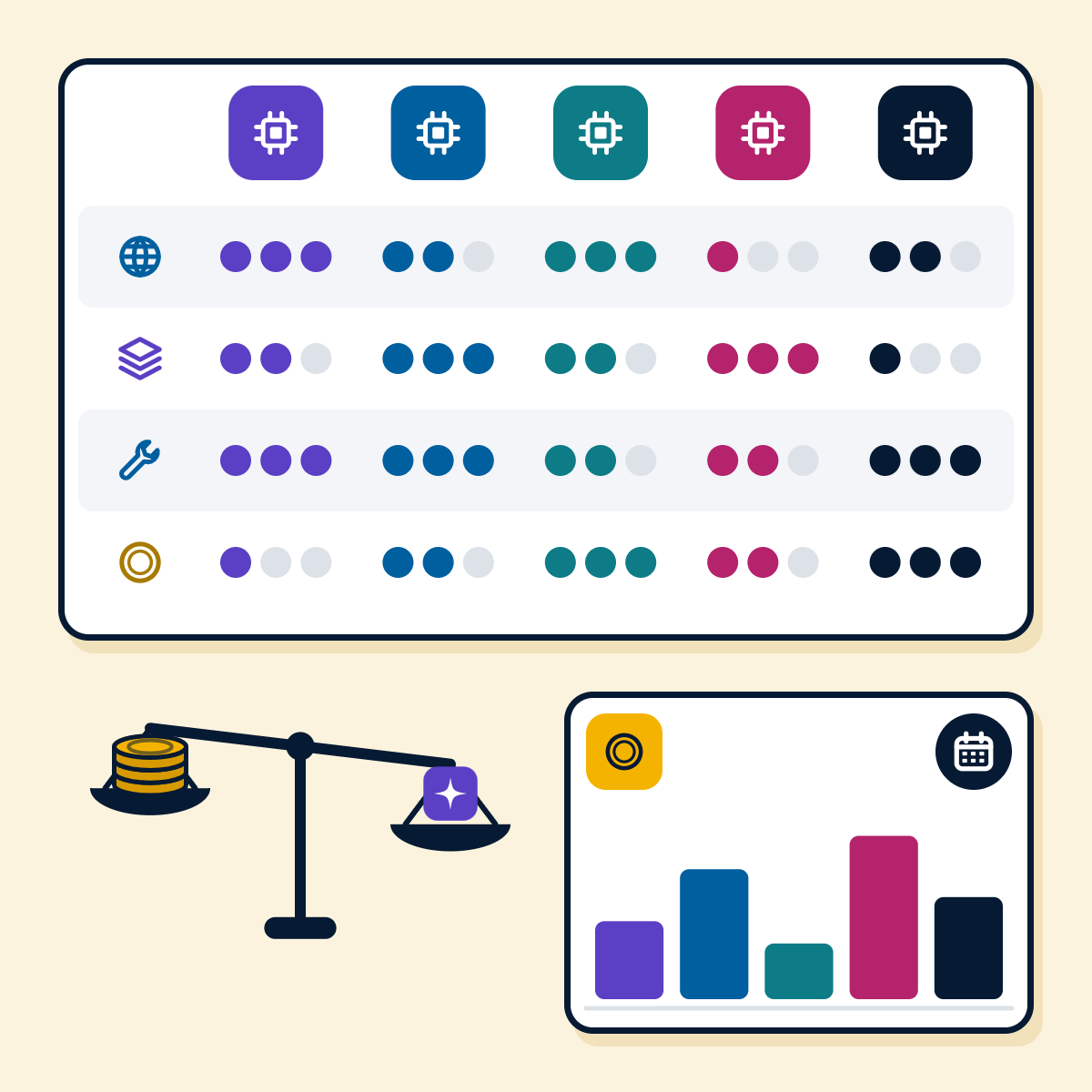
- Machine learning and analytics predict and explain: forecasting demand, scoring risk, spotting anomalies.
A useful rule: if the steps are fixed and the data is structured, plain automation is usually cheaper and more reliable than AI. Use AI where the input is messy (free text, speech, documents, images) or where judgement is needed. Our comparison of chatbots, AI agents and RPA bots traces one request through all three.
How to choose your first AI use case
Step 1: List the candidates
Ask each team which tasks are repetitive, slow or error-prone. Aim for a long list of 10 to 20 ideas.
Step 2: Score them
Rate each idea on value (time saved, revenue, risk reduced), feasibility (data, systems, complexity) and risk (cost of a wrong answer, privacy, regulation).
Step 3: Pick one narrow case
Choose high value and high feasibility, owned by one team, with a clear measure such as handling time or first-response time.
Step 4: Measure the baseline
Record how the task performs today so you can compare honestly after launch.
Step 5: Run a short pilot
Use real data and real users for a few weeks, then decide to scale, adjust or stop.
Step 6: Plan for operations
Decide who monitors quality, who updates the knowledge and how users report problems.
If you want an outside view on this step, our AI readiness assessment reviews your processes, data and systems and suggests where to begin. For the budget, our breakdown of AI development cost explains what drives it.
Common mistakes to avoid
- Starting with the technology. “We need an AI agent” is not a goal. “Answer half of order status questions without a person” is.
- Skipping the data check. An assistant built on outdated or contradictory documents gives outdated or contradictory answers.
- No human fallback. Users need an easy way to reach a person, and the system needs to know when to hand over, with the conversation so far.
- Putting rules in prompts. Consent, quiet hours, refund limits and approvals belong in code, where they are enforced every time.
- Ignoring privacy and security. Decide early what data may go to which model provider and where it is stored.
- Treating launch as the finish line. Products, prices and policies change; AI systems need monitoring, evaluation and updates.
- Measuring nothing. Without a baseline and a target, you cannot tell whether the project worked.
How we help
We build AI into our own products first, which is where the examples above come from, and we bring the same patterns to client projects across support, sales, operations and finance. Our AI development and automation services cover consulting, chatbots and agents, generative AI, automation and machine learning, for businesses in the UK, Europe, North America, the Gulf, Australia, Singapore and India.
Have a shortlist of AI ideas?
- Send us your top three. We will tell you which one we would start with, what data it needs and how to measure it. Talk to our AI team.
Get new guides by email
Articles and guides from our team, and company news. Unsubscribe at any time.
About AcmaSoft
AcmaSoft designs and builds websites, mobile apps and custom software, and runs SEO and digital marketing for its clients.
- Years of experience
- 17+
- Clients served
- 650+
- Projects delivered
- 2,000+
- Products shipped
- 300+